
An incoming customer purchase order is not yet a Shopify order.
The PO tells you what the buyer wants. Before it can become the correct Shopify B2B draft order, the request still needs to be interpreted, matched to the right company and company location, resolved to Shopify products and units, checked for discrepancies, and reviewed wherever the evidence is unclear.
A practical workflow looks like this:
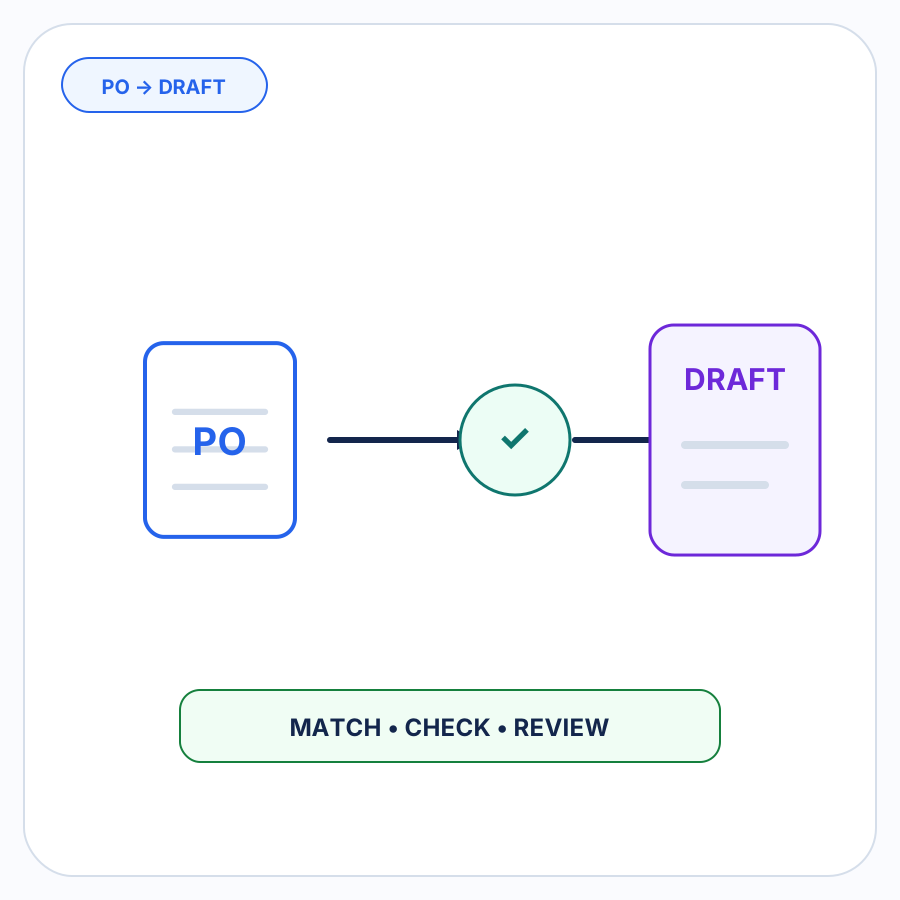
Customer PO → Interpret → Match company + location → Resolve products + UOM → Validate → Review exceptions → Create Shopify B2B draft order
This guide focuses on that specific PO-to-draft workflow, regardless of whether the purchase order arrived as an upload, attachment, scan, or through another supported intake path.
For the broader problem of automating customer orders received outside the storefront, see Shopify B2B order-entry automation. If the operational problem is specifically the inbox, see how to automate emailed B2B orders in Shopify.
First: a customer PO is not a Shopify supplier purchase order
The phrase purchase order describes two different directions of commerce.
An incoming customer purchase order is created by your buyer and sent to you. Your business is the seller. The goal of the workflow on this page is to turn that request into a Shopify B2B draft order that you can review and process.
A supplier purchase order goes the opposite direction. Your business creates it to buy inventory from a supplier. Shopify has a separate purchase-order feature for this procurement workflow, including suppliers, destination locations, inventory costs, and inbound inventory transfers. That feature is not the subject of this guide. Shopify documents supplier purchase orders separately in its inventory documentation.
In short:
Customer PO: buyer → your business → Shopify B2B draft order
Supplier PO: your business → supplier → inventory procurement
Keeping that distinction explicit matters because a search for “Shopify purchase orders” can refer to either workflow.
Treat the purchase order as source evidence, not Shopify-ready data
A PO can be perfectly legible and still leave important Shopify questions unanswered.
Consider a fictional line:
Buyer item 52-B — 3 cases — $72 per case
All four values might be extracted correctly. The draft order still cannot be prepared reliably until you know what those values mean in your Shopify setup.
| What the PO provides | What can still be unresolved | What the Shopify workflow needs |
|---|---|---|
| Buyer or company name | The company may have multiple purchasing locations | Correct Shopify B2B company and company location |
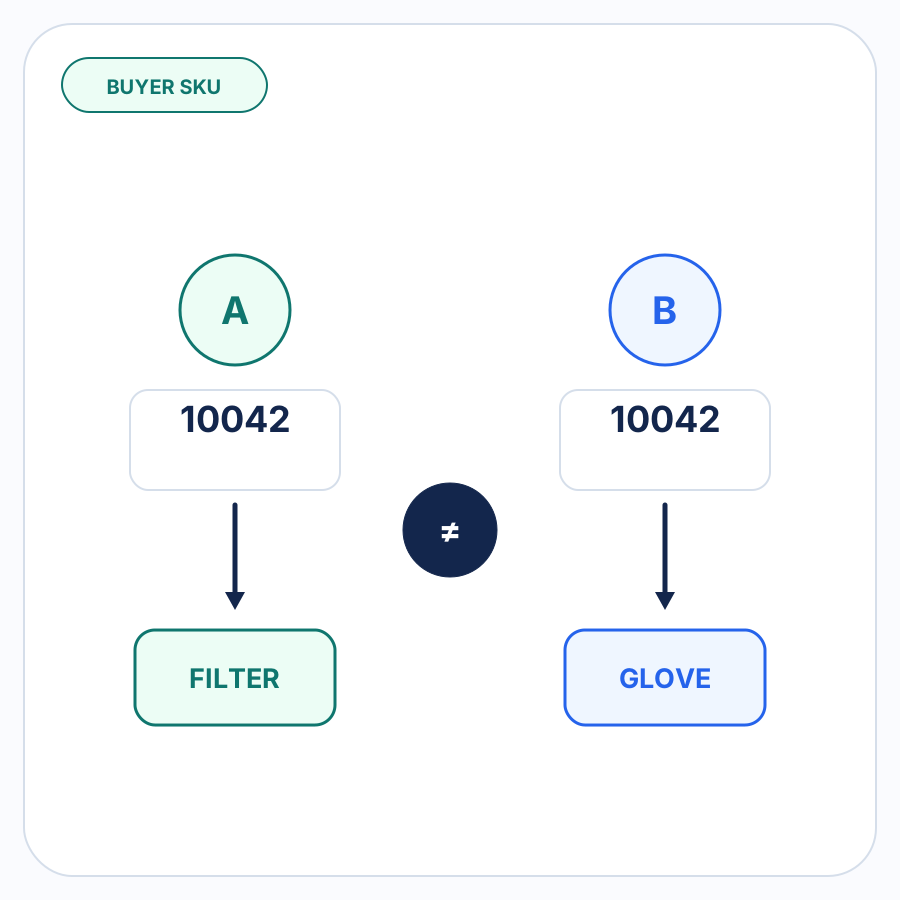
| Buyer item code | It may be the buyer’s internal SKU rather than yours | Correct Shopify product variant |
3 cases |
The case size may be buyer- and product-specific | Evidence-backed UOM or case-pack conversion |
| Buyer-supplied price | It may differ from the applicable Shopify pricing | A visible pricing comparison or discrepancy |
| Ship-to address | It may be new, changed, incomplete, or intentional | Confirmed shipping information or review |
| PO number | The same PO may already have been processed | Duplicate-PO check and PO number retained on the draft |
This is the core difference between reading a purchase order and turning it into an order.
The first job extracts what the buyer supplied. The second resolves those facts against Shopify data and merchant-approved relationships.
The workflow from customer PO to Shopify draft order
1. Interpret exactly what the customer submitted
Start by turning the source purchase order into structured proposed order information.
Depending on the PO, useful fields can include:
- buyer or account information;
- purchase order number;
- product names or item codes;
- quantities;
- units of measure;
- buyer-supplied prices;
- shipping information;
- requested dates;
- notes or special instructions.
At this stage, preserve what the source actually says.
If the PO says 3 cases, interpretation should produce 3 cases. It should not silently convert that to individual units unless a reliable case-pack relationship supports the conversion.
Likewise, an unfamiliar product code should remain an unfamiliar product code until the matching stage establishes which Shopify variant it represents.
Interpretation should reduce document-reading work without manufacturing certainty that is not present in the source.
2. Match the buyer to the correct Shopify B2B company and location
Recognizing the company name is not always enough for a Shopify B2B order.
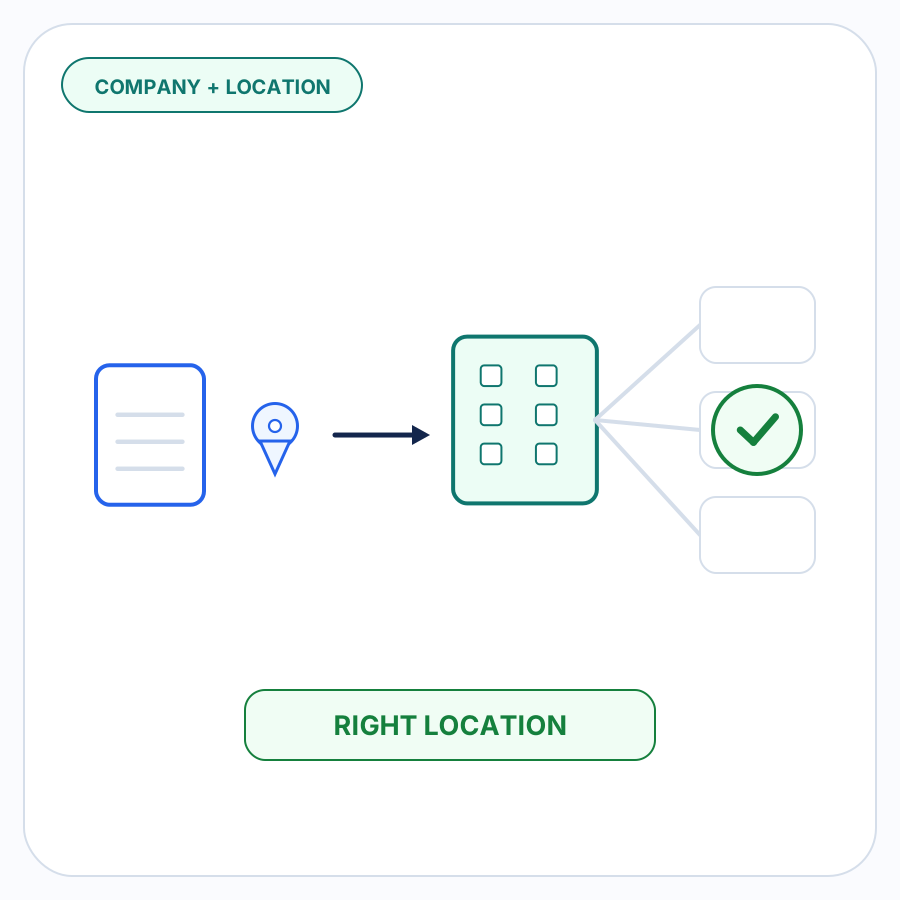
Shopify companies can contain multiple company locations. A company location represents the specific business location involved in the B2B transaction and can have its own shipping and billing addresses, pricing, payment terms, tax information, checkout settings, and contacts.
That makes location matching part of order accuracy, not just customer-data housekeeping.
Useful evidence can include:
- the buyer name on the PO;
- the ordering contact;
- account information;
- the ship-to address;
- known company locations;
- previously approved buyer relationships.
If the evidence clearly identifies one location, the workflow can proceed with that context.
If two locations are plausible, the safe result is a review item. Choosing one because its name happens to look closest hides ambiguity rather than resolving it.
This matters directly to the resulting draft. Shopify documents that when a B2B customer and company location are assigned to a draft order, the relevant company context affects pricing, payment terms, and checkout options.
3. Resolve every product, buyer SKU, and unit of measure
The next job is turning the PO’s line items into actual Shopify variants and quantities.
A merchant SKU that exactly identifies a Shopify variant is straightforward.
A customer-specific SKU is different.
A buyer might call a product 52-B even though your Shopify variant uses a completely different SKU. Extracting 52-B correctly has not solved the order entry. The useful relationship is:
this buyer’s 52-B → this Shopify variant
Once that relationship has been reviewed and approved, remembering it can make repeat purchase orders easier to resolve.
Units need the same treatment.
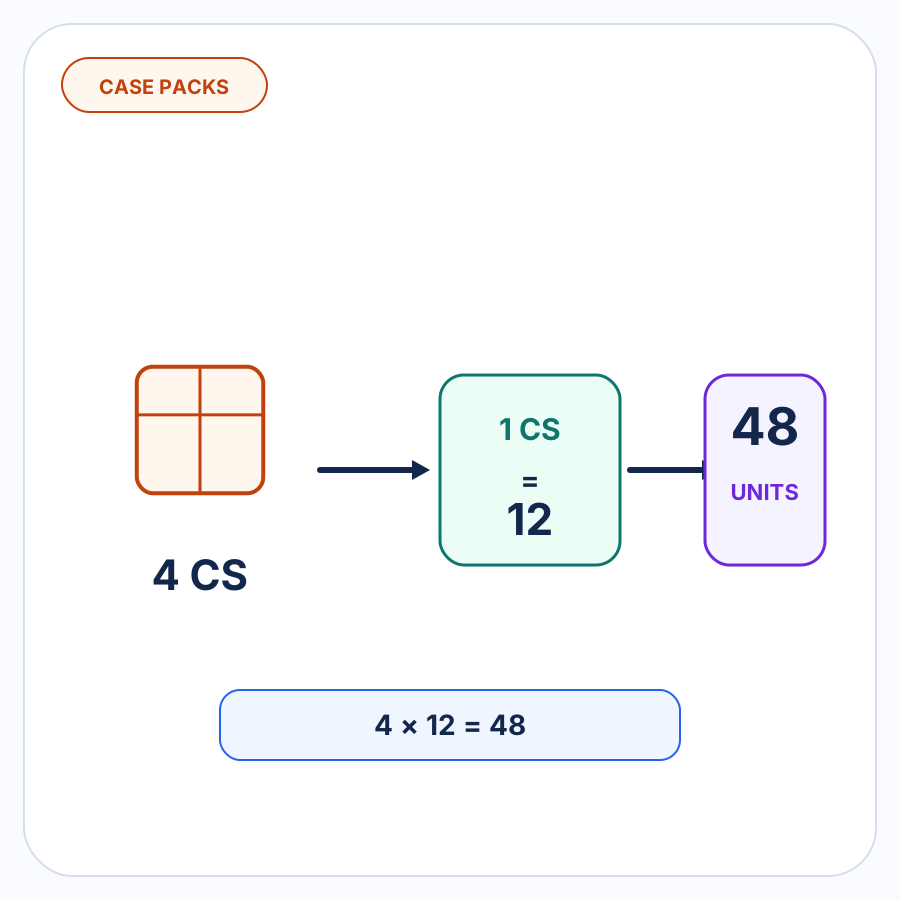
Terms such as case, pack, box, or each only become actionable quantities when the workflow knows what the unit means for the relevant product and buyer.
A valid mapping might establish that a particular buyer’s case has a known case-pack quantity for a product. Without evidence for that relationship, the conversion should remain unresolved.
The important hierarchy is simple:
- Known Shopify data and exact identifiers.
- Previously approved buyer-specific mappings.
- Other evidence-backed matching.
- Human review when the evidence is insufficient.
An unfamiliar SKU or unit should not become a confident match simply because one candidate looks plausible.
4. Validate the proposed order before creating the draft
Once the buyer and products have been resolved, the proposed order still needs to be checked as an order.
A useful validation stage looks for discrepancies rather than assuming the customer PO must be correct simply because it is formal.
Pricing
Compare buyer-supplied prices with the relevant Shopify pricing context.
If the numbers differ, surface the discrepancy.
The buyer’s price might be outdated. Shopify might be missing a recently negotiated agreement. There may have been a conversation outside the PO.
The automation does not need to guess which explanation is correct. It needs to make the difference visible.
Quantities, units, and case packs
Check that each requested quantity and unit has been interpreted consistently.
A line that says 4 cases should not quietly become 4 each, and a new case-pack convention should not automatically inherit the conversion used by some other buyer or product.
Shipping information
Compare the purchase order’s destination with the relevant company-location information.
A changed address is not automatically wrong. It might be a legitimate new warehouse, job site, or one-time destination.
It is still worth surfacing the change before creating the draft rather than silently replacing one address with the other.
Inventory
An otherwise valid purchase order can still request products or quantities that create an inventory concern.
That does not necessarily mean the order should be rejected. It means the person reviewing the order should see the inventory issue before the draft proceeds.
Duplicate purchase orders
Check whether the incoming PO appears to duplicate one that has already been processed.
Purchase orders often carry a buyer-assigned PO number, and Shopify’s B2B draft-order workflow supports adding a PO number to the draft.
A duplicate warning should be treated as a review signal rather than an automatic accusation that the buyer submitted the order twice.
Missing or contradictory information
Anything required to prepare the draft but unsupported by the source or authoritative Shopify data should remain visible.
Missing information should not be invented to make an order appear complete.
5. Review the exceptions, not every field again
Automation loses much of its value if a person still has to re-check every value on every purchase order.
A better review boundary is the set of details that actually need judgment.
Imagine a repeat buyer sends a 25-line PO.
Twenty-three lines match previously approved product and unit mappings. One line contains a new buyer SKU. Another uses a shipping address that does not match the expected company location.
The useful review is:
- resolve the new SKU;
- confirm the address change.
The other 23 known lines do not need to become manual work again simply because two parts of the order are unusual.
This exception-focused approach also makes uncertainty easier to understand. Staff can see why an order stopped instead of receiving an opaque result that is either completely accepted or completely rejected.
6. Create the Shopify B2B draft order
After the unresolved details have been addressed, the prepared order can become a Shopify B2B draft order.
Shopify’s documented manual workflow for a company order includes selecting the B2B customer, selecting the company location, adding the products, and optionally entering the purchase order number. The draft can then continue through the merchant’s normal invoicing, payment, or order-completion process. See Shopify’s B2B draft-order documentation.
The important point is that draft-order creation is the end of the PO-entry workflow, not the beginning.
Before that point, the incoming document has to be translated from the buyer’s terminology and assumptions into Shopify’s actual company, location, variant, quantity, pricing, and order context.
That translation is where most of the interesting operational work lives.
Where naive PO-to-draft automation goes wrong
A short workflow such as:
Upload PO → extract fields → create draft
leaves several failure points hidden.
Matching the company but not the company location
This can attach the request to the right organization while still missing the purchasing context that applies to the actual location.
Treating an extracted SKU as a resolved product
Accurately reading the buyer’s item code does not prove which Shopify variant it represents.
Converting units without a known relationship
A word such as case is not a quantity conversion by itself.
Silently choosing between conflicting prices or addresses
A discrepancy should become visible before it becomes an order decision.
Treating document confidence as order confidence
A system can be highly confident that it read 52-B correctly and still have no reliable evidence for what 52-B means in Shopify.
Good PO automation therefore needs two different forms of confidence:
- confidence in what the purchase order says;
- confidence in how that information maps to the merchant’s Shopify data.
When the second answer is unclear, review is the correct outcome.
How PO Autopilot handles customer POs
PO Autopilot is built around this incoming-customer-PO workflow.
An order can enter through its supported intake paths, and PO Autopilot interprets the buyer, products, quantities, units, and order details before matching the request to Shopify B2B companies, company locations, and products.
Approved buyer-specific SKU, UOM, and case-pack mappings can be remembered for later orders. PO Autopilot can also surface issues involving pricing, quantities, units, shipping addresses, inventory, duplicate purchase orders, and missing or ambiguous information.
The workflow is deliberately review-focused. Supported information can be resolved, while unclear or inconsistent details stay in front of the merchant before the Shopify draft order is created.
For supported formats and other product-specific questions, see the PO Autopilot FAQ.
If customer POs are being re-entered into Shopify by hand, see how PO Autopilot turns them into reviewed B2B draft orders.