
When B2B orders arrive outside the storefront, the same purchase request can reach an order-entry team more than once. A buyer might resend the PO, one employee might forward an email that another employee already handled, or the same document might be uploaded twice.
The goal is not to assume every repeated reference is a duplicate. It is to catch possible duplicates before another Shopify draft order is created, compare the available evidence, and decide whether the incoming request is the same order, a legitimate revision, or a new order that happens to look similar.
This guide is about incoming customer purchase orders: a business customer sends a PO to the merchant asking to buy goods. It is not about the separate Shopify purchase-order workflow a merchant uses to purchase inventory from suppliers. Shopify itself uses the purchase-order term in both contexts, so keeping those workflows separate matters.
How the same customer PO gets entered twice
Duplicate entry does not require an unusual failure. It can emerge from ordinary communication.
An email gets forwarded twice
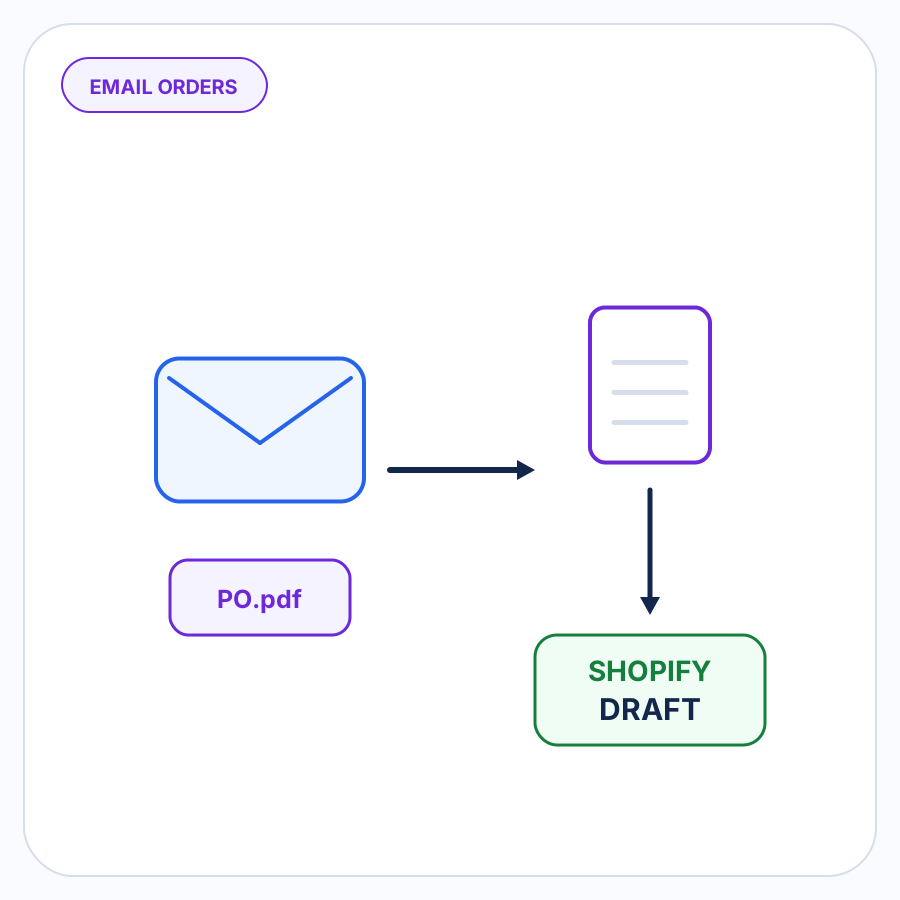
A buyer emails a PO to one employee. That employee forwards it to order entry. Another recipient of the original email forwards the same attachment later. The related email-order automation workflow should preserve that source history for review.
From the second employee’s perspective, it can look like a new request even though the first copy has already been processed.
The same document is uploaded again
Someone saves a PO locally, uploads it for processing, and later another team member uploads a copy from a shared inbox or folder.
Different filenames do not necessarily mean different orders. Conversely, the same filename does not prove two documents are identical.
Two people work the same request
Shared inboxes and manual handoffs make it possible for two people to begin entering the same PO at roughly the same time.
A duplicate check is most useful before each path produces its own draft order.
The buyer sends the PO again
Buyers sometimes resend an order because they did not receive an acknowledgement, because a different contact took over the conversation, or simply to make sure it was received.
A second delivery of the request is not necessarily a second purchase.
The buyer sends a revised PO
This is the case that makes simple duplicate blocking dangerous.
Suppose the first document says:
- PO
45182 - 12 units of Product A
- 8 units of Product B
An hour later, the buyer sends:
- PO
45182 - revision 2
- 12 units of Product A
- 10 units of Product B
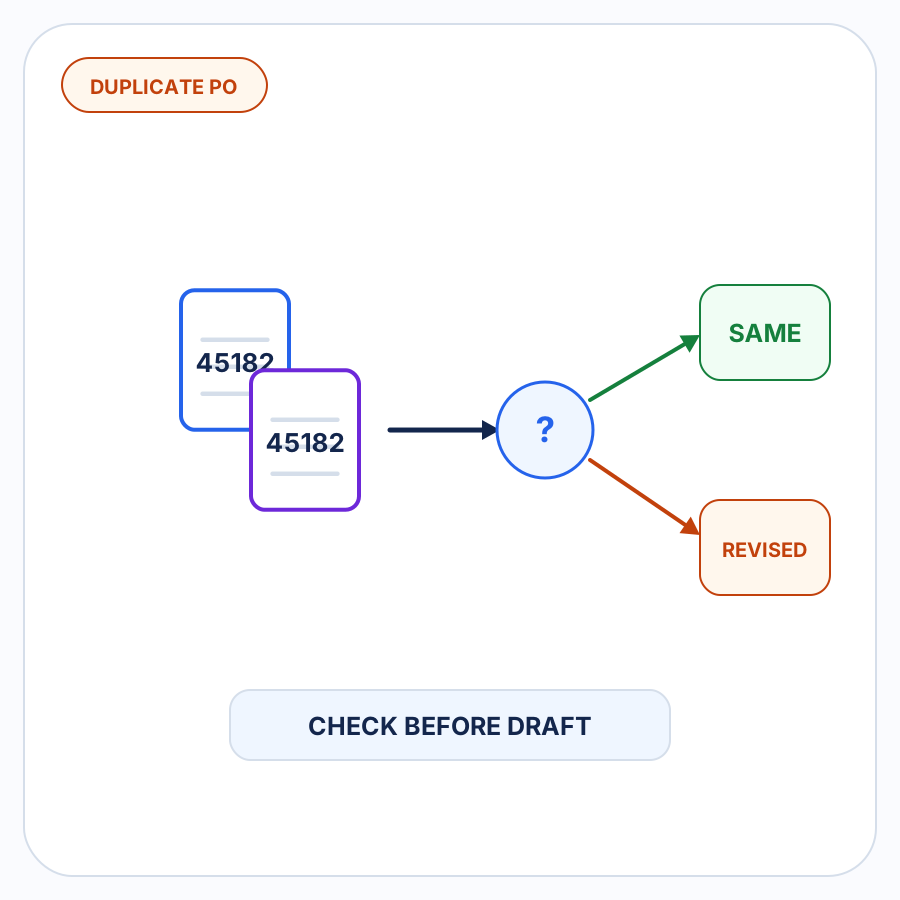
The repeated PO number is important evidence. But the second document might be intended to replace or amend the first order rather than create another identical order.
The workflow needs to stop and ask what changed rather than silently creating another order or automatically discarding the new request.
A customer PO number is useful evidence, not a verdict
Shopify B2B supports purchase order numbers. Shopify documents that B2B customers can add a PO number to an order, and merchants can also add a PO number to an order or draft order from the Shopify admin. When manually creating a B2B draft order for an order received by email or another outside channel, Shopify provides a PO-number field as part of the draft-order workflow.
That makes the buyer’s PO number an especially useful reference when checking an incoming order against work that may already exist.
It is also separate from Shopify’s own order identifier. Shopify’s current Admin API represents the customer purchase-order reference as poNumber on orders and draft orders rather than treating it as the Shopify order number.
But matching a PO number should normally answer “Should we review this?”, not automatically “This is definitely a duplicate.”
The number is assigned in the buyer’s purchasing process. Its significance therefore needs context. A repeated number from the same buyer can be a strong signal, while the same string appearing for two unrelated buyers is far less meaningful. A buyer can also resend or revise an existing PO without changing its reference.
Possible duplicate versus confirmed duplicate
A useful duplicate-control workflow separates suspicion from conclusion.
A possible duplicate is an incoming request that overlaps enough with an earlier order to deserve investigation.
A confirmed duplicate is a request that the merchant has determined represents the same purchasing instruction that was already processed.
Those are different states.
Consider these hypothetical cases:
| Incoming request | What it suggests | Appropriate treatment |
|---|---|---|
| Same buyer, same PO number, same products and quantities as an existing order | Strong duplicate signal | Review the existing record before creating another draft |
| Same PO attachment arrives again in a forwarded email | Strong duplicate signal | Check whether the first copy was already processed |
Same buyer and PO number, but the document says Revision 2 and quantities changed |
Likely revised or replacement order | Compare the versions and determine how the revision should be handled |
| Same PO number appears for an unrelated buyer | Weak evidence by itself | Do not treat the number alone as proof of duplication |
| Buyer resends the same PO with a message asking whether it was received | Likely resubmission | Confirm whether the original request was already entered |
| Buyer sends a new document stating that it supersedes an earlier PO | Replacement signal | Review the earlier order and the replacement together |
This distinction prevents two opposite mistakes: entering the same purchase twice and rejecting a legitimate change because it resembled an earlier request.
What evidence helps identify a likely duplicate?
A duplicate review should use the evidence already present in the incoming order and existing order records rather than relying on one superficial similarity.
Useful evidence can include:
- Buyer identity. Does the new request come from the same business or purchasing relationship as the earlier one?
- Buyer-assigned PO number. Does the reference match an existing draft or order associated with that buyer?
- Document date. Are the documents from the same purchasing event, or does one clearly represent a later transaction?
- Requested products and quantities. Does the purchasing instruction substantially repeat an earlier one?
- Shipping destination. Is the request directed to the same destination as the earlier order?
- Source history. Is this another copy of an email, attachment, or request that the team has already handled?
- Revision indicators. Does the document contain a revision number, new date, replacement instruction, change note, or other evidence that the buyer intentionally modified the earlier PO?
No single item needs to carry the entire decision.
A repeated PO number plus the same buyer and the same order details is much more informative than a repeated number alone. Likewise, changed details do not automatically prove the order is new: they may be evidence of a revision that belongs with the earlier transaction.
Revised and replacement POs need different handling from duplicates
A duplicate says, in effect:
This purchasing instruction has already been processed.
A revision says:
This purchasing instruction has changed.
Those situations should not produce the same response.
Imagine that an existing Shopify draft order was prepared from PO PO-7904. Before the order is finalized, the buyer sends PO-7904 Rev B with a changed quantity.
Creating an additional draft from Rev B could leave two versions of the same intended purchase in Shopify. Rejecting Rev B simply because PO-7904 already exists could ignore an intentional buyer change.
Instead, the second document should be brought into the context of the first. Someone can then determine which version represents the buyer’s current instruction and follow the merchant’s normal process for updating, replacing, cancelling, or otherwise resolving the earlier work.
The duplicate check has done its job when it prevents the second request from quietly becoming an unrelated second order.
Why automatic rejection can create a different problem
It is tempting to turn duplicate prevention into a hard rule:
If the PO number already exists, reject the order.
That is simple, but it collapses several different situations into one.
A repeated number can accompany:
- an accidental resend;
- a forwarded copy of the same document;
- a legitimate revision;
- a replacement PO;
- an unusual buyer numbering convention;
- a completely different buyer using the same reference string.
Other order-management systems expose the same underlying operational tension: duplicate customer PO references are often useful enough to trigger warnings, while reuse and legitimate exceptions still occur in real workflows.
For incoming B2B orders, a safer default is therefore to make a convincing match visible for review before another order is created.
The stronger the evidence, the easier that review can be. But uncertainty should not be hidden by pretending a similarity check is certainty.
Put the duplicate check before draft-order creation
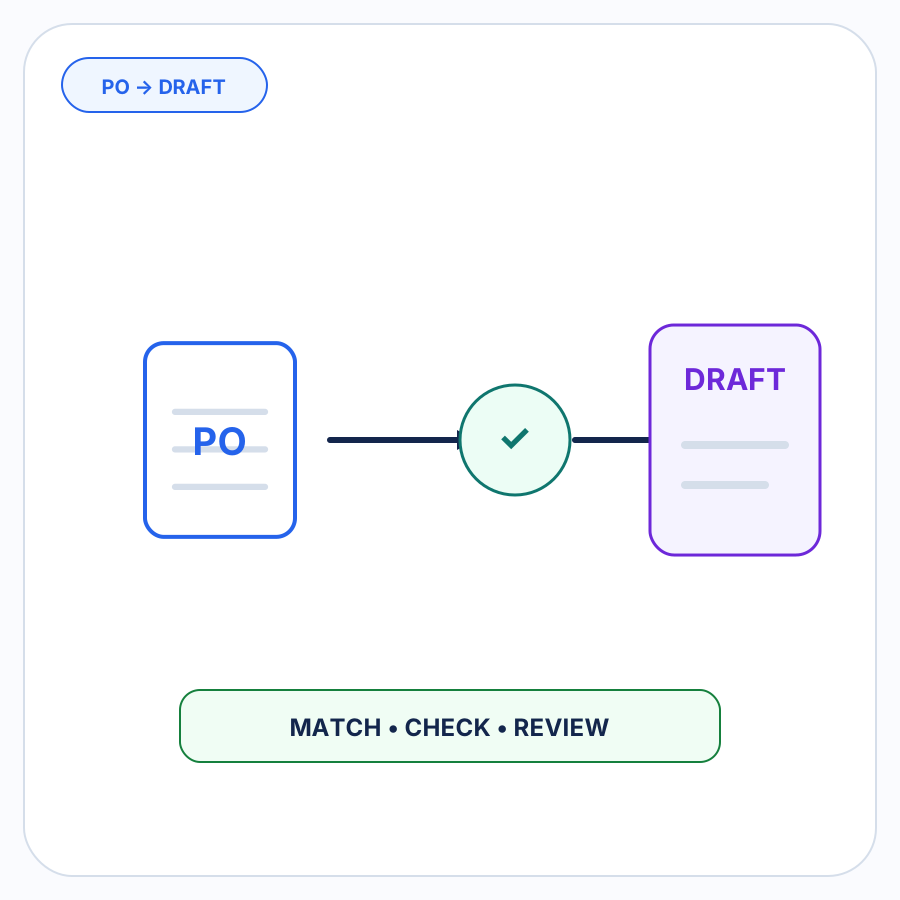
Shopify explicitly supports creating B2B draft orders for orders customers send directly by channels such as phone or email. Draft orders provide a natural point for reviewing an outside-store order before it becomes a completed Shopify order. The duplicate check belongs inside the broader PO-to-draft workflow, before another draft is created.
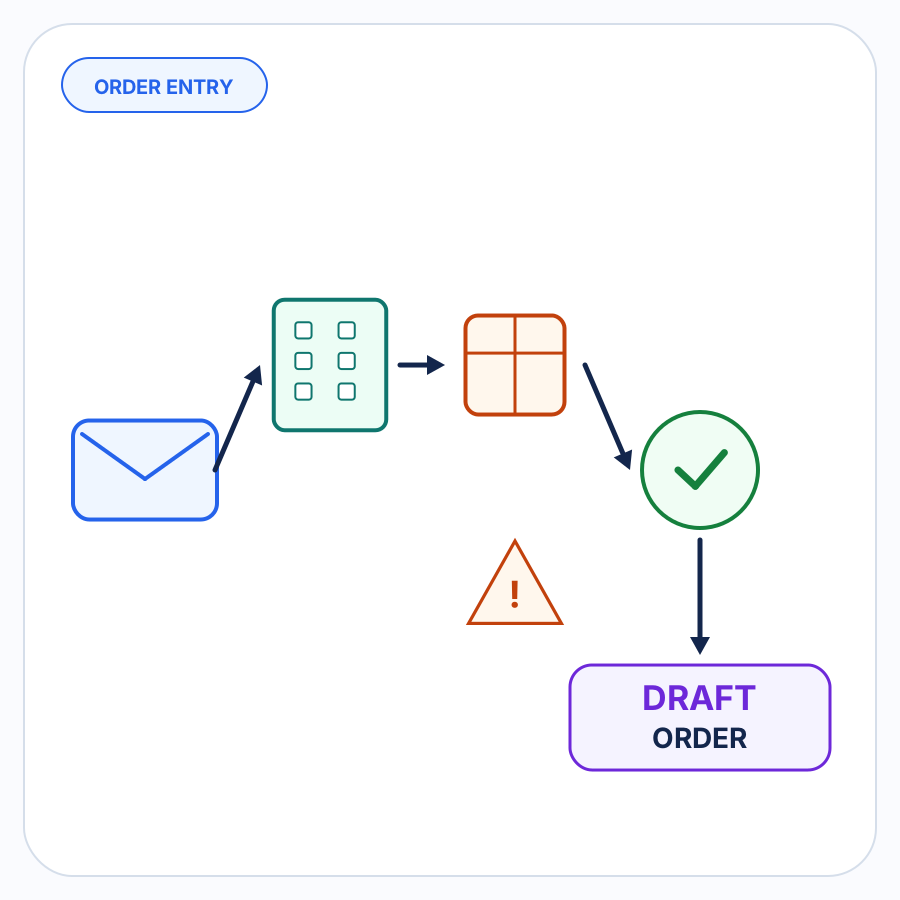
For duplicate prevention, the useful sequence is:
- Receive and interpret the incoming customer order.
- Identify enough buyer and order information to compare it with prior work.
- Check for an existing draft or order that could represent the same customer PO.
- Surface plausible matches for review.
- Decide whether the request is a duplicate, revision, replacement, or new order.
- Create another Shopify draft only when the merchant is satisfied that another draft is appropriate.
This check should happen before a second draft quietly enters the normal order pipeline.
It also should not turn into a full re-review of every aspect of the order. SKU resolution, units of measure, pricing, inventory, and other order checks are separate concerns. The question here is narrower: Has this purchasing instruction already been entered?
A practical duplicate-PO review
When an incoming PO looks familiar, the reviewer should be able to answer a short set of questions:
- Is there already a Shopify draft or order associated with this buyer’s PO reference?
- Does the earlier record represent the same buyer and purchasing request?
- Are the requested products and quantities substantially the same?
- Is the new document simply another delivery of the earlier document?
- Does the new request identify itself as revised, replaced, superseding, or otherwise changed?
- If something changed, should the existing transaction be updated or resolved rather than creating another independent order?
If the evidence is incomplete, the correct outcome can simply be needs review.
That is preferable to guessing in either direction.
How PO Autopilot handles duplicate-PO risk
PO Autopilot is designed for B2B purchase orders and order requests that need to become reviewed Shopify B2B draft orders.
As part of that workflow, PO Autopilot checks for duplicate POs before draft-order creation and can surface duplicate-PO issues alongside other details that require merchant attention. Its public workflow is intentionally review-oriented: unclear, changed, or inconsistent information is put in front of the merchant rather than silently guessed.
The important point is not an invisible promise that every duplicate can be identified automatically. It is giving a possible repeat a chance to be resolved before another draft order is created. That makes duplicate prevention one part of the broader B2B order-entry workflow.
See how PO Autopilot handles B2B order intake and review.
Duplicate prevention is really about preserving intent
Two documents that look similar can represent one order.
Two documents with the same PO number can represent different versions of one order.
And two genuinely separate orders can sometimes share details that make them look alike.
A useful duplicate check therefore does not ask only whether two records match. It asks whether they represent the same buyer instruction.
Catch that ambiguity before draft-order creation, surface the evidence, and let the merchant make the final call when the answer is not clear.