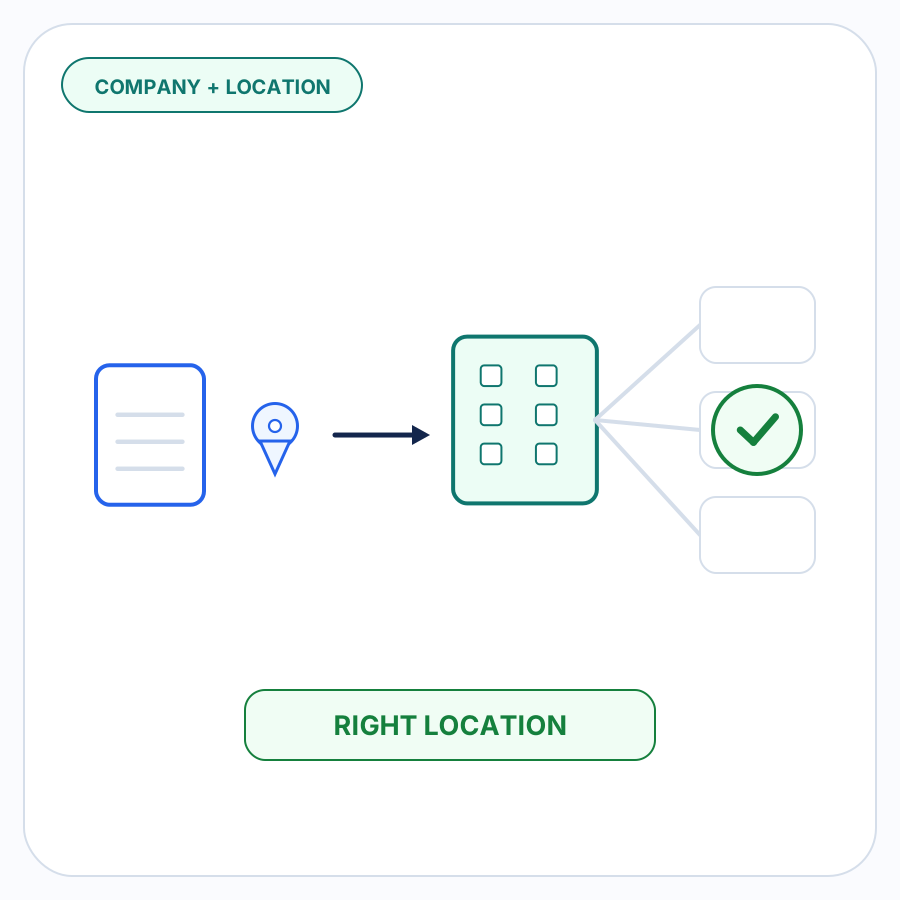

When a B2B order arrives by email, purchase order, spreadsheet, or another channel outside the storefront, recognizing the buyer’s company is only part of the job.
In Shopify B2B, a company is the parent organization. A company location represents the particular business location or buying context within that organization. Shopify allows individual company locations to have their own shipping and billing addresses, contacts, pricing, payment terms, tax settings, and checkout configuration.
That distinction matters when a buyer such as Acme Corporation has several branches or purchasing locations in Shopify. An incoming order that says only “Acme Corporation” might identify the parent company without establishing whether the order belongs to Acme’s primary location, its Dallas location, or another company location.
The goal is therefore not to find the closest-looking company name. It is to identify the Shopify company and company location supported by the available evidence — and to stop for review when the evidence does not support one clear answer.
A Shopify company location is part of the buyer, not a fulfillment location
Shopify uses the word “location” in more than one context, so this distinction is worth making early.
A B2B company location belongs to a customer company. Shopify describes it as the business being sold to in a B2B transaction. It can carry buyer-specific information such as addresses, contacts, catalogs, payment terms, tax settings, and checkout behavior.
A regular Shopify location, by contrast, is a merchant location such as a warehouse, retail store, or other place where products are stocked, sold, or fulfilled.
This guide is about the first meaning: determining which customer company location is placing the order. It is not about deciding which warehouse should fulfill it.
Why recognizing the company name is not enough
Suppose an incoming purchase order says:
Buyer: Northstar Hospitality
Ship to: the established primary-location address
Shopify might contain one company named Northstar Hospitality with several company locations:
- Primary hotel location
- Primary distribution location
- Phoenix Hotel
- Corporate Office
Matching the words “Northstar Hospitality” can establish a likely parent company. It does not establish which of those locations the order belongs to.
The same problem can occur even when the individual buyer is known. Shopify lets a customer be associated with multiple company locations within the same company. When that customer orders through Shopify’s B2B storefront, Shopify can require them to choose which company location they are purchasing for.
An emailed or uploaded order does not necessarily contain that explicit Shopify selection. The correct location has to be established from the order and the merchant’s existing Shopify data before the draft order is prepared.
Shopify’s own documented manual draft-order workflow reflects this distinction: the merchant selects the B2B customer and then selects the company location that the order is for.
Why the company location matters to the order
A company location is more than an organizational label.
Shopify can associate different commercial settings with different company locations. Depending on the merchant’s configuration, those differences can include addresses, catalogs and pricing context, payment terms, tax settings, contacts, and checkout behavior. That is why shipping-address changes and pricing discrepancies are easier to evaluate after the location context is established. Shopify’s developer documentation specifically describes the company location as part of the purchasing context used for B2B orders.
Shopify also states that B2B orders need an associated B2B customer and company location. If an order or draft order lacks the necessary B2B association, Shopify can treat it differently for B2B rate purposes.
So a workflow should not treat “company matched” and “location unknown” as equivalent to a complete buyer match.
The company might be certain while the order still needs review because the correct location is not.
Match from evidence, not resemblance
A reliable match should combine the strongest available evidence instead of silently choosing whichever record has the most similar name.
Useful evidence can include:
| Evidence | What it can establish | Why it might not be enough alone |
|---|---|---|
| Previously confirmed buyer/location relationship | The buyer has been correctly associated with this location before | Relationships can change, so conflicting new evidence still matters |
| Buyer or contact identity | Narrows the company and locations the person is associated with | One customer can have access to multiple locations within a company |
| Company name | Identifies or narrows the parent organization | One company can contain many locations |
| Location or branch name on the order | Directly identifies a branch when it agrees with Shopify | Buyers may abbreviate, omit, or use older names |
| Ship-to information | Can strongly distinguish one location from another | Orders can contain one-time, changed, or unusual shipping details |
| Billing information | Can provide another location-level signal | Billing and shipping information do not always identify the same operational site |
Shopify remains authoritative for what companies, company locations, contacts, and relationships actually exist in Shopify. The incoming document provides evidence about which of those records the buyer appears to be ordering for.
Those are different roles.
The order should not be allowed to invent a Shopify location that does not exist, and Shopify data should not be silently changed simply because one incoming document contains different information.
A practical company-and-location matching sequence
1. Identify plausible Shopify companies
Start with the strongest company-level evidence available.
The company name on the order is useful, but buyer identity can be equally important. A recognized contact associated with a Shopify B2B company gives the workflow another concrete connection to the existing Shopify account structure.
At this stage, the objective is to establish the parent organization — not yet to assume a particular company location.
2. Find the locations that could legitimately apply
Once a company is known, consider its available company locations.
If the buyer or contact is also known, their Shopify relationships can narrow the candidates further. Shopify supports assigning a customer to multiple locations within the same company, so buyer identity can reduce ambiguity without necessarily eliminating it.
A buyer assigned only to one relevant location provides stronger evidence than a buyer assigned to four.
3. Compare location-level evidence
Next, compare the order with information that distinguishes the candidate locations.
The most useful details are often:
- a branch or location name;
- shipping information;
- billing information;
- the known buyer/location relationship;
- a previously merchant-confirmed relationship that agrees with the current order.
The purpose is not to find one field that looks approximately correct. It is to see whether the available evidence converges on one Shopify company location.
4. Check for disagreement before accepting the match
A match that appears obvious from one field may conflict with another.
For example:
- the company name matches;
- the contact is known;
- the PO says “Austin”;
- but the shipping information corresponds to the Dallas location.
That should not become an automatic Dallas match simply because the address happens to be more specific, nor an automatic Austin match because the PO uses that location name.
The conflict itself is useful information. It should be reviewed.
5. Resolve only when the evidence supports one answer
A useful outcome has three possible states:
Resolved: The evidence consistently identifies one Shopify company and company location.
Needs review: The company is known, but two or more company locations remain credible, or important evidence conflicts.
Unmatched: The incoming information does not support a credible existing Shopify company/location combination.
“Needs review” is a valid result. It is better than silently manufacturing certainty.
Example: the company and location both line up
An incoming order contains:
- company: Northstar Hospitality;
- buyer: Maya Chen;
- ship-to: the established primary-location address.
Shopify contains:
Northstar Hospitality
- Primary distribution location — 1840 Blake Street
- Phoenix Distribution — 720 West Adams Avenue
Maya is an existing company contact associated with both locations.
The company name establishes the likely parent organization. The buyer identity supports that relationship. The exact primary-location shipping information distinguishes the primary location from Phoenix.
Those pieces of evidence agree, so Northstar Hospitality → Primary distribution location is a well-supported match.
The important point is that the location was not selected merely because “primary location” appeared somewhere in the document. Several pieces of existing and incoming information agreed.
Example: the company is clear but the location is not
Another order contains:
- company: Harbor Supply Group;
- buyer: Jordan Lee;
- no branch name;
- no usable location-specific shipping information.
Shopify contains:
Harbor Supply Group
- East Region
- West Region
Jordan is assigned to both locations.
The company is clear. The location is not.
Choosing East or West from name similarity, past frequency, or an unsupported assumption would turn uncertainty into bad data. The correct result is company matched, location needs review.
A merchant can then identify the intended location before the order proceeds.
Example: the incoming information conflicts with Shopify
Consider an order that says:
- company: Atlas Equipment;
- branch: Austin;
- buyer: Taylor Reed;
- ship-to information that matches Atlas Dallas.
Shopify shows Taylor associated with the Dallas location, while an Austin location also exists.
There are several plausible explanations. The branch text could be stale. The shipping information could represent a special destination. The buyer’s Shopify assignment could need updating.
The matching workflow does not need to guess which explanation is true.
It needs to report that the evidence conflicts and ask for the correct company location.
Any separate question about whether a changed shipping address should be accepted can then be handled as its own order-review issue rather than being hidden inside the company-location decision.
Previously confirmed relationships are useful — but they are not permission to ignore change
Repeat B2B orders often contain recurring patterns. When a merchant has previously confirmed that a particular buyer normally purchases for a particular company location, that relationship is useful evidence on the next order.
But previous evidence should not override contradictory current information without review.
If a buyer who normally orders for the primary location suddenly sends an order naming Phoenix with Phoenix shipping information, the workflow should notice the change rather than forcing the order back to the primary location because that was historically common.
Reusable knowledge should make routine orders easier. It should not make unusual orders invisible.
What review should make clear
When the match cannot be resolved confidently, the reviewer should not have to reconstruct the problem from the original document.
The review should make the decision understandable by showing:
- the likely Shopify company;
- the candidate company locations;
- the buyer or contact evidence;
- the relevant incoming location or address information;
- what agreed;
- what conflicted or was missing.
The merchant can then confirm the correct location instead of reviewing the entire order merely to discover why the match was uncertain.
That is the useful boundary for automation: resolve repeatable, evidence-backed work and surface the part that actually requires judgment.
Keep company/location matching separate from product and quantity interpretation
Resolving the buyer does not resolve the rest of the order.
After the company and location are known, the order may still contain buyer-specific product codes, units such as cases or packs, pricing differences, inventory questions, or other issues.
Those are separate decisions.
A buyer SKU answers which Shopify product the buyer means.
A UOM or case-pack mapping answers what the requested quantity means.
Company/location matching answers which Shopify B2B buying entity the order belongs to.
Keeping those questions separate makes it much easier to explain why an order is ready or why one particular detail still needs review.
How PO Autopilot handles company and location matching
PO Autopilot matches incoming B2B orders to Shopify B2B companies and company locations as part of preparing a reviewed Shopify draft order. The current product workflow explicitly treats company/location matching as a separate step before the order is checked and the draft is created.
PO Autopilot is designed to resolve what can be supported by Shopify data and known order information, while bringing missing, ambiguous, changed, or inconsistent details to the merchant instead of silently guessing.
That role is distinct from Shopify’s native company-location model. Shopify provides the B2B company, company location, contact, and draft-order relationships. Its documented manual draft workflow requires the merchant to select the relevant customer and company location. PO Autopilot handles the incoming-order matching workflow around that structure.
If your team is receiving B2B orders outside the Shopify storefront, see how PO Autopilot handles the matching and review workflow or follow the full PO-to-draft sequence.
FAQ
What is the difference between a Shopify B2B company and a company location?
A company is the parent business record. A company location represents the specific business location or buying context within that company. One company can have multiple company locations, each with its own relevant B2B settings and contacts.
Is a Shopify B2B company location the same as a Shopify inventory location?
No.
A B2B company location belongs to the customer company and represents the business being sold to. A regular Shopify location belongs to the merchant’s operations and represents somewhere products are stocked, sold, or fulfilled, such as a warehouse or retail store.
Can one Shopify B2B buyer be associated with multiple company locations?
Yes. Shopify allows a customer to be associated with multiple company locations within a company. When a storefront buyer has access to more than one, Shopify can require them to select the location they are purchasing for before shopping.
Does Shopify automatically determine the company location from an emailed purchase order?
Shopify’s documented B2B draft-order workflow for an order received outside the storefront requires the merchant to select the B2B customer and then select the company location the order is for. Shopify’s documentation does not describe that manual workflow as automatically interpreting arbitrary incoming email or purchase-order content to choose the location.