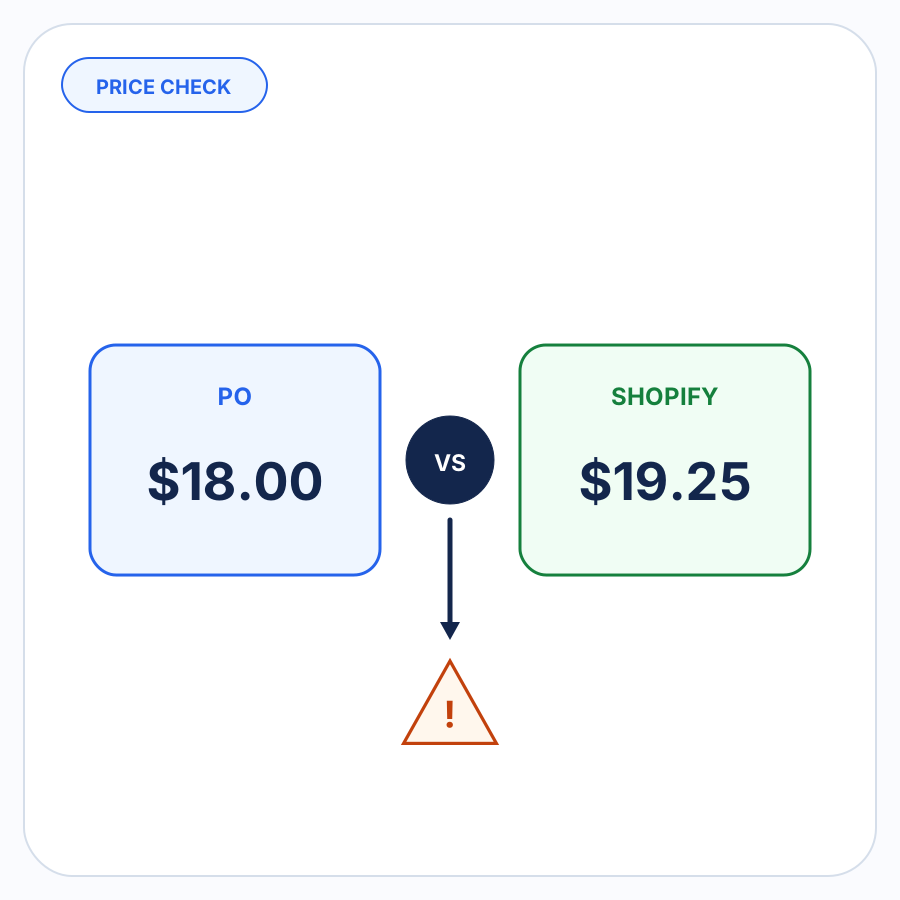

An incoming customer purchase order says a product costs $18.00. Shopify says the applicable B2B price is $19.25.
That difference should not be silently corrected in either direction.
The useful conclusion is not automatically “the PO is wrong” or “Shopify is wrong.” It is that two pieces of business data disagree and the order needs a pricing decision before it moves forward.
Here, purchase order means a PO sent by your B2B customer to you. This is different from a procurement PO that you send to one of your own suppliers.
For Shopify B2B orders, the comparison also needs to use the price that actually applies to the identified buyer context—not simply the standard product price shown in Shopify.
What is a PO pricing discrepancy?
A PO pricing discrepancy exists when the price supplied by the buyer for an incoming order does not match the price Shopify says applies to that order.
For a simple example:
- Buyer PO unit price: $18.00
- Applicable Shopify B2B unit price: $19.25
- Result: pricing discrepancy requiring review
The discrepancy itself does not tell you which value should ultimately be used.
The buyer might be using an old price. Shopify might reflect a newer negotiated agreement. A legitimate quote might justify the PO price. Or the order might have been associated with the wrong B2B context before the comparison was made. That context includes the company location and the quantity basis established by UOM and case-pack mapping.
The important control is to identify the disagreement before the order is accepted as correct.
The Shopify price is not necessarily the standard product price
Shopify B2B pricing is context-sensitive.
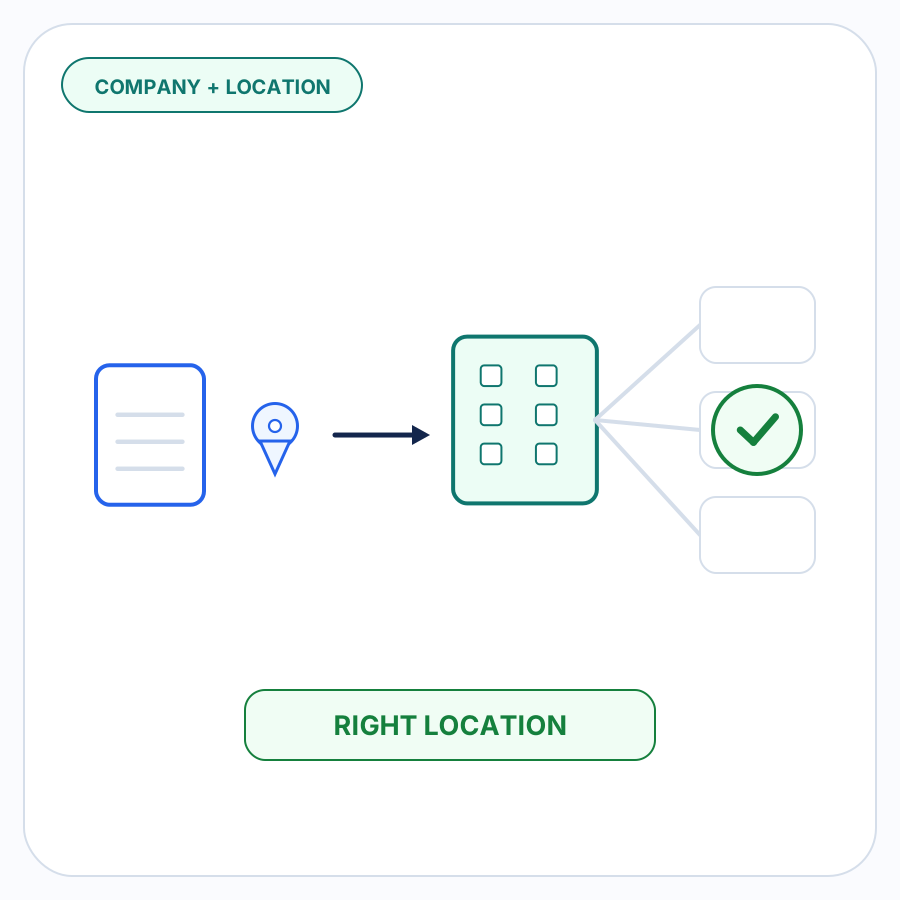
Shopify uses catalogs to control the products and pricing available to B2B customers. A company can contain multiple company locations, and Shopify documents company locations as having their own settings, including pricing. When a B2B draft order has the appropriate B2B customer and company location assigned, Shopify says its prices and other settings reflect that company context.
That means a useful PO price check is generally not:
PO price vs. Shopify’s standard product price
It is:
PO price vs. the Shopify price applicable to this buyer, location, product, quantity, and current pricing context
Exactly how catalogs are assigned depends on the merchant’s Shopify plan and Markets configuration, but the principle is the same: establish the relevant B2B pricing context before treating a number as the Shopify price.
Catalog rules can affect which price applies
A Shopify B2B catalog can use an overall price adjustment or fixed prices for individual products or variants. Fixed prices override the catalog’s overall adjustment. Shopify also supports quantity rules and volume pricing.
Catalog overlap can add another layer. Shopify documents that when multiple directly assigned catalogs offer the same product at different prices, the lowest applicable price is used. When a more specific company-location catalog and a matching B2B market catalog contain different prices, the company-location price takes precedence.
You do not need to reconstruct every catalog rule manually for every PO. You do need to make sure that the price being used for comparison is the price Shopify currently considers applicable to the order’s actual B2B context.
Why neither price should silently win
A pricing mismatch is evidence of disagreement, not proof of which side is correct.
Silently replacing the PO price with Shopify’s price can hide a real agreement
Suppose a buyer sends a PO at $42.00 per unit while Shopify currently returns $45.00.
The buyer might simply have stale pricing. But the buyer might also be ordering against a valid quote or recently negotiated agreement that has not yet been reflected everywhere it should be.
Shopify itself supports custom line-item prices on draft orders, including negotiated wholesale pricing that differs from the listed price.
Automatically replacing $42.00 with $45.00 would erase the discrepancy before anyone had determined why it existed.
Silently accepting the PO price creates the opposite risk
If Shopify says $45.00 and the incoming PO says $42.00, accepting the buyer’s number automatically could mean honoring an expired price, a typo, or an agreement that does not apply to this order.
The direction of the discrepancy does not solve the problem either.
If the PO price is lower than Shopify, automatically accepting it could undercharge.
If the PO price is higher than Shopify, automatically using the PO could overcharge the buyer.
A sound order-entry workflow should surface the two values and let the business resolve the difference intentionally.
Why an incoming PO and Shopify can disagree
Price discrepancies are not unusual enough to justify assuming bad data immediately. There are several legitimate ways two systems or documents can become out of sync.
The buyer is using old pricing
A buyer may create a new PO from an old spreadsheet, purchasing-system template, saved order, or previously quoted price.
Shopify may already contain the current B2B price while the buyer’s source document has not been updated.
A negotiated change has only been updated on one side
A merchant and buyer may have agreed to a new price, but the change has reached only one system.
The buyer might have the new price while Shopify still reflects the old agreement, or Shopify might have been updated before the buyer’s purchasing records were changed.
A price mismatch is the signal that those records need to be reconciled.
The wrong buyer or company-location context was used
Pricing can differ across Shopify B2B company locations. Shopify describes a company location as the business being sold to in a B2B transaction and allows location-specific pricing and other settings.
If an incoming PO is evaluated against the wrong company location, the resulting price comparison can be wrong even when both the PO and Shopify are internally consistent.
Company/location matching is its own order-entry problem. For pricing purposes, the important point is simply that the comparison should happen only after the relevant B2B context is established.
The product or quantity basis is not comparable yet
A PO line should be resolved to the intended Shopify product or variant before its price is compared.
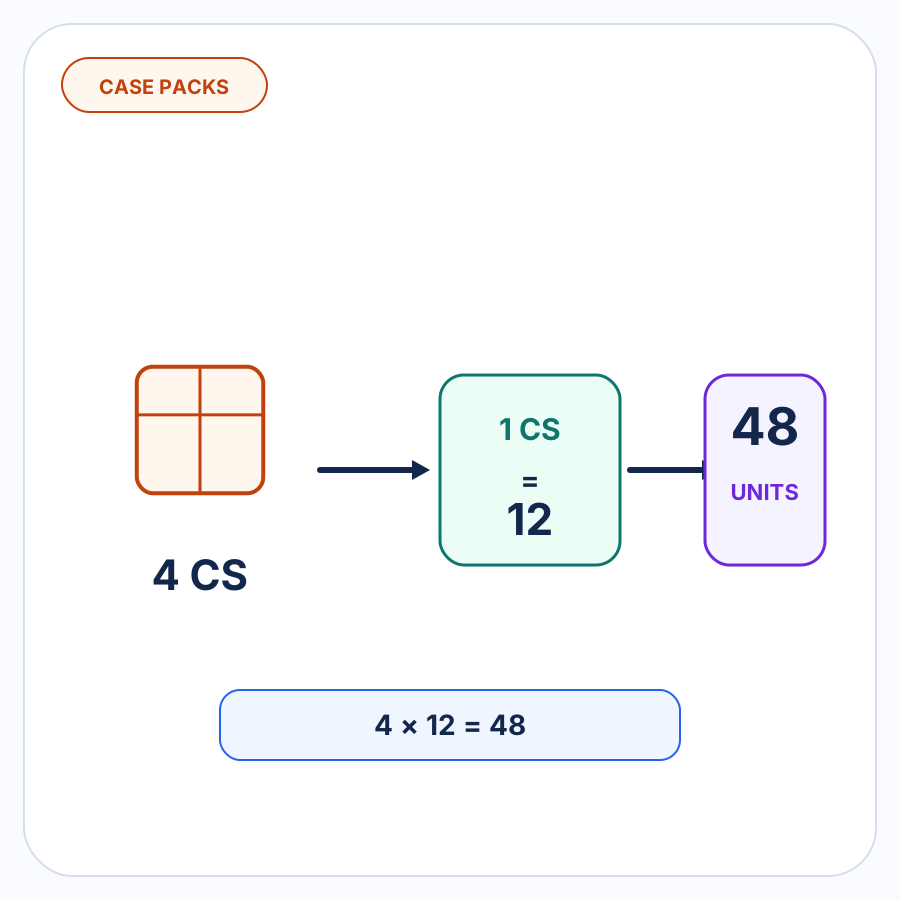
The quantity basis also needs to mean the same thing on both sides. A buyer quoting a price per case should not be compared directly with a Shopify price per each until the quantity convention has been resolved.
These are separate SKU-mapping and UOM-mapping problems. They matter here only because an unresolved product or quantity basis can create a false pricing discrepancy.
A quantity break changes the applicable price
Shopify B2B supports volume pricing, where the price can change when a line reaches a configured quantity threshold.
A PO that appears to disagree with a base catalog price might therefore be correct for the quantity ordered.
The comparison should use the price applicable to the actual order quantity rather than a price viewed without that context.
The PO refers to a valid quote or one-off negotiated price
Not every B2B sale must use the currently configured catalog price.
Shopify explicitly allows a merchant creating a B2B draft order to set a custom price when quoting a negotiated price that differs from the company’s catalog pricing.
That makes a discrepancy something to investigate, not automatically reject.
One side simply contains an error
Sometimes the explanation is less complicated: a buyer entered the wrong number, a price was keyed incorrectly, or a pricing update was applied to the wrong record.
The review process still matters because it identifies the problem before that number becomes the order price.
Compare like with like before flagging the discrepancy
Before deciding that two prices conflict, make sure they represent the same thing.
A useful comparison should confirm:
- the same Shopify product or variant;
- the same buyer and relevant B2B context;
- the same quantity and unit basis;
- the applicable catalog or other approved Shopify pricing context;
- the same currency;
- the same concept of price.
That last point matters.
A unit-price discrepancy is different from a difference in the final order total caused by shipping, taxes, order-level discounts, or another charge.
If the buyer’s PO says a variant costs $12.50 per unit and Shopify says $13.00 per unit, that is a line-price discrepancy.
If both sides say $12.50 but the final totals differ because one includes shipping, that is a different issue.
Keeping those concepts separate makes the review much easier to reason about.
Three examples of useful pricing review
Example 1: The buyer used an old price
An incoming PO requests 100 units at $8.40 each.
The applicable Shopify B2B price is $8.75 each.
The merchant checks the account and confirms that $8.75 is the current agreed price and that the buyer submitted an old purchasing template.
The useful outcome is not silently replacing $8.40 during intake. It is identifying the discrepancy, confirming why it exists, and then proceeding with the intended price.
Example 2: The pricing context was wrong
A buyer’s PO says $12.00.
The first Shopify comparison produces $13.50.
After the buyer context is checked, the order is associated with the correct company location, where the applicable Shopify price is $12.00.
The apparent pricing problem was really a context problem.
This is why a price comparison should happen against the resolved B2B context rather than against whichever product price is easiest to retrieve.
Example 3: A negotiated quote is still valid
A PO says $21.00 while the current Shopify B2B catalog price is $22.00.
The merchant confirms that the buyer is ordering against a valid $21.00 quote.
Shopify supports setting a custom price on a draft-order line item when a negotiated wholesale price differs from the listed price.
The difference can therefore be resolved intentionally instead of either rejecting the PO or silently changing its price.
What should happen after a discrepancy is found?
A useful price check should lead to review, not an accusation.
The reviewer is trying to determine which of a small number of situations applies:
- Shopify’s current price is correct. The buyer submitted outdated or incorrect pricing.
- The buyer’s PO price is valid. A quote, negotiation, or approved exception justifies using a different price.
- The Shopify context needs correction. The wrong buyer, location, product, quantity basis, or other context was used.
- Shopify’s configured business data needs updating. A legitimate commercial change has not yet been reflected there.
- There is not enough evidence yet. The order should remain unresolved until someone verifies the price.
This is where human judgment is useful.
Shopify data should remain authoritative for what Shopify currently says about the matched buyer and order. Merchant-approved business rules should remain authoritative for known exceptions. But neither source can prove the commercial history of an unexplained mismatch that has never been recorded.
The discrepancy is the point where automation should stop pretending the answer is obvious.
Shopify draft-order pricing still needs deliberate handling
Once the price has been resolved, Shopify provides controls for how that price behaves in the draft order.
A B2B draft order assigned to a customer and company location reflects that company’s relevant settings. Shopify also supports custom line-item prices for negotiated pricing.
Shopify additionally provides price locking for draft orders. By default, draft-order product prices are unlocked; locking preserves product prices despite later price changes, while unlocking can update a draft based on newer product or catalog pricing.
Those controls are useful after the pricing decision has been made.
They should not be used to hide an unresolved disagreement between the incoming PO and current Shopify pricing.
Pricing checks belong before draft-order creation
The safest point to find a PO price mismatch is while the incoming order is still being prepared.
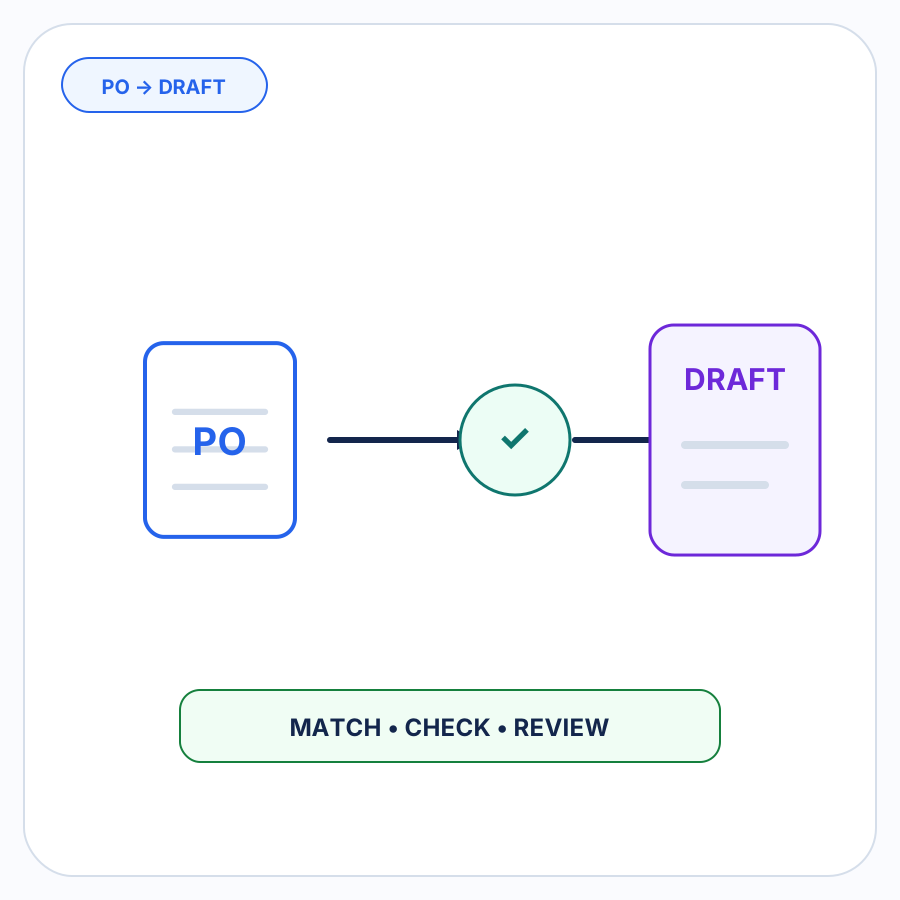
At that stage, the buyer’s requested price and Shopify’s applicable price can be compared without either number being silently treated as final.
That fits a broader exception-first approach to B2B order entry: resolve the routine details, surface the disagreement, and put the decision in front of a person when the evidence does not support an automatic answer.
PO Autopilot is built around that workflow. It can check pricing along with other order details and surface missing, changed, ambiguous, or inconsistent information for review before the Shopify draft order is created. Shopify data and merchant-approved rules remain authoritative rather than letting document interpretation silently invent the answer. If your team receives customer POs outside the storefront, follow the PO-to-draft workflow or see how PO Autopilot handles the matching, checking, and review workflow.
FAQ
Should the price on a customer PO automatically override Shopify B2B pricing?
No.
A buyer-supplied price can be legitimate, outdated, or incorrect. Shopify’s current price can also expose a context or data-maintenance issue that needs investigation.
Treat the mismatch as a review item. Once the reason is understood, the merchant can intentionally decide which price the order should use.
Can a Shopify B2B draft order use a price different from the catalog price?
Yes.
Shopify documents that a merchant can set a custom line-item price on a draft order, including a negotiated wholesale price. Its B2B draft-order documentation specifically notes that a custom price can be used when a negotiated price differs from the company’s catalog pricing.
That capability should follow a deliberate pricing decision rather than automatically accepting every price supplied on a PO.
Can the company location affect the Shopify B2B price?
Yes.
Shopify company locations can have location-specific settings including pricing, and B2B pricing is connected to catalog and company-location context. Shopify also states that assigning a company location to a B2B draft order causes pricing and other settings to reflect that company context.
That is why the correct buyer context should be established before declaring that a PO price and Shopify price disagree.