
A B2B buyer does not always order with the SKU you use in Shopify.
Your Shopify variant might be VALVE-20-BRASS, while the buyer’s purchasing system calls the same item A18472. Their purchase order arrives with A18472, because that is the code their purchasing team recognizes.
Reading A18472 from the order is only the first step. The useful question is:
For this buyer, which Shopify variant does A18472 mean?
That is the customer-specific SKU mapping problem.
A reliable workflow treats the buyer’s code as an external identifier, resolves it to the correct Shopify variant, remembers the relationship after it has been approved, and leaves uncertain matches for review rather than guessing.
Here, “customer-specific SKU” means a product code used by the buyer on an incoming B2B order. It is not a supplier SKU used when you purchase inventory from a vendor.
A buyer SKU and a Shopify SKU can identify the same item
Shopify SKUs are identifiers the merchant uses for its products and variants. A B2B customer may maintain a completely separate set of identifiers inside its own purchasing, ERP, inventory, or accounting system.
That gives one sellable item two different names.
| Context | Identifier |
|---|---|
| Buyer A’s purchasing system | A18472 |
| Merchant’s Shopify catalog | VALVE-20-BRASS |
| Actual item being ordered | The same specific Shopify variant |
The buyer does not necessarily need to adopt your SKU, and changing your Shopify SKU to match one customer’s terminology does not solve the problem when other customers use different codes.
Instead, the two identifiers need a cross-reference:
Buyer A + A18472 → Shopify variant VALVE-20-BRASS
The buyer is part of that relationship. The code alone is not enough.
Extracting a buyer SKU is not the same as resolving it
This distinction matters when B2B orders are being read from PDFs, spreadsheets, emails, scans, or other incoming requests.
Extraction answers:
What product code did the buyer put on this order?
For example, the system might correctly extract:
A18472
That does not prove that A18472 is a Shopify SKU.
Resolution answers:
Which specific Shopify variant does this buyer mean by
A18472?
Those are separate jobs. An order can be extracted perfectly and still contain an unresolved product.
That is why document reading alone does not solve customer-specific SKU handling. The extracted identifier needs to be connected to authoritative Shopify product data before it can safely become an order line. For the broader B2B order-entry workflow, the SKU decision is one part of a larger matching and review sequence.
Customer-specific mappings should be scoped to the buyer
A buyer SKU is meaningful because a particular buyer assigned that meaning to it.
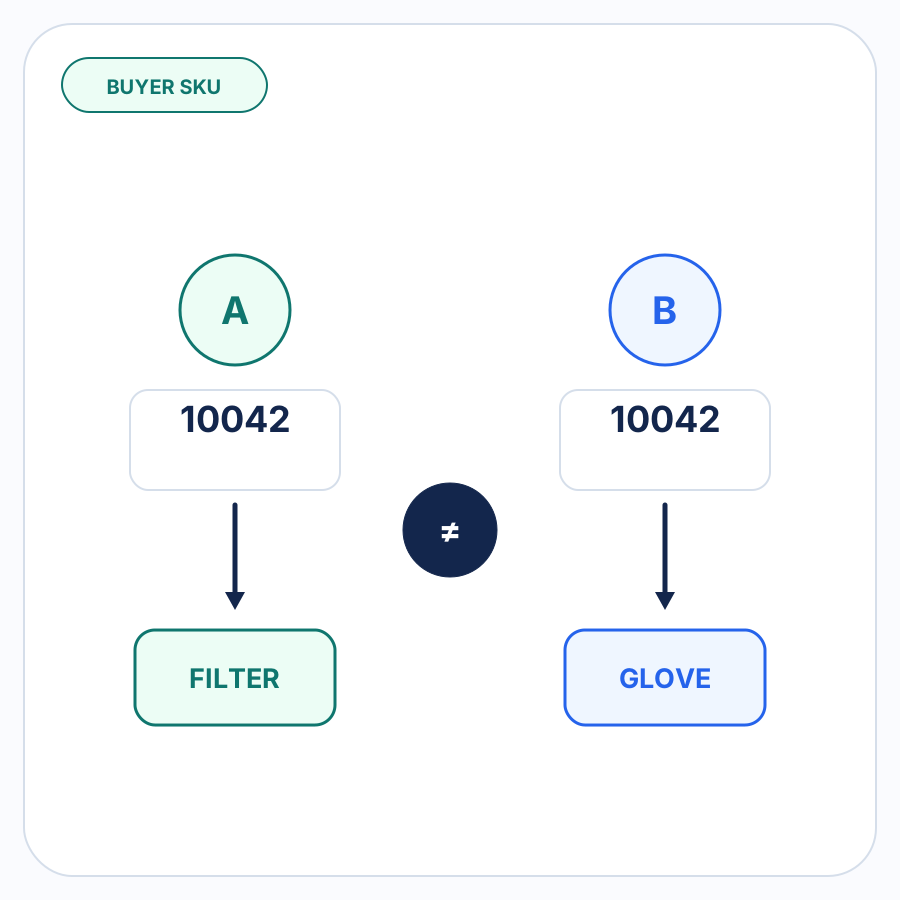
Consider this hypothetical mapping:
| Buyer | Buyer’s code | Shopify variant |
|---|---|---|
| Buyer A | 10042 |
FILTER-10-MERV8 |
| Buyer B | 10042 |
GLOVE-NITRILE-L |
There is nothing inherently contradictory about both buyers using 10042. Each company controls its own internal coding system.
A global rule that says:
10042 → FILTER-10-MERV8
would therefore be unsafe.
The useful rule is:
Buyer A + 10042 → FILTER-10-MERV8
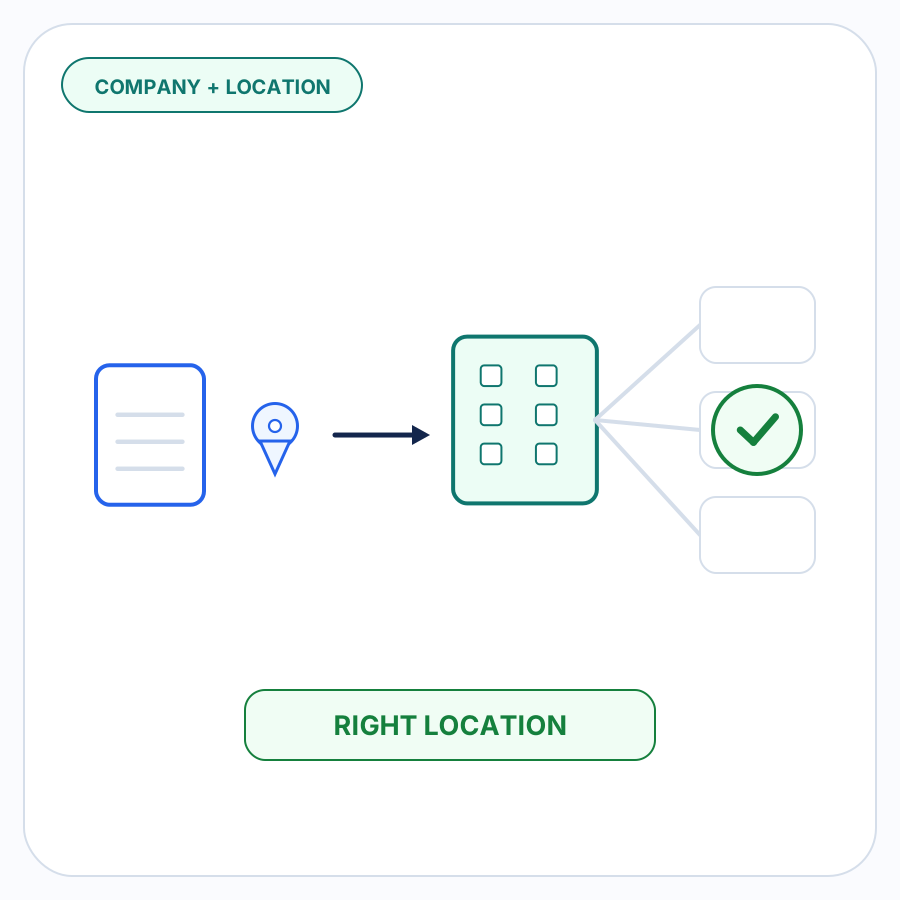
This is why the broader order workflow needs to establish which buyer sent the order before a customer-specific SKU mapping can be trusted.
Once buyer identity is known, the saved mapping can be applied only where that relationship is relevant.
The mapping should resolve to the specific Shopify variant
Mapping only to a Shopify product can still leave an important question unanswered.
Suppose a product has several variants:
- 10 mm / brass
- 20 mm / brass
- 20 mm / stainless steel
If the buyer’s code identifies the 20 mm brass version, the mapping should lead to that particular variant rather than simply to the parent product.
That distinction matters anywhere Shopify variants represent different sizes, colors, configurations, or other sellable choices.
The objective is not just to find a product with a similar name. It is to identify the Shopify variant that should actually appear on the order.
Approved mappings make repeat orders easier
The first time an unfamiliar buyer SKU appears, someone might need to resolve it.
Imagine Buyer A sends:
Buyer SKU: A18472
Description: 20 mm brass valve
Your Shopify catalog contains:
Shopify SKU: VALVE-20-BRASS
Variant: 20 mm / Brass
Once the merchant verifies that these identifiers refer to the same variant, that relationship becomes useful information:
Buyer A + A18472 → VALVE-20-BRASS
When Buyer A uses A18472 again, there is no reason to rediscover the same relationship from scratch.
An approved mapping is stronger evidence than a new guess based only on similar text.
This is where buyer-specific memory becomes valuable: repetitive identification work can become deterministic while genuinely new or changed information still receives attention.
New mappings should be confirmed, not inferred into existence
An unfamiliar SKU will not always have one obvious Shopify match.
A buyer might send:
FT-440
with a description such as:
Filter cartridge 10
while Shopify contains several similar variants.
Descriptions, existing catalog data, and other order evidence can help narrow the possibilities, but a plausible candidate is not automatically a confirmed mapping.
If the available evidence does not establish one Shopify variant with enough confidence, the line should remain unresolved for review.
The safe outcome is:
“This needs a decision.”
not:
“This looks close enough.”
Once the merchant confirms the intended variant, that decision can become an approved buyer-specific mapping for later orders.
A remembered mapping can still deserve review
Remembering a mapping does not mean ignoring conflicting information forever.
Suppose Buyer A has an approved mapping:
A18472 → VALVE-20-BRASS
A later order again contains A18472, but its description now says:
20 mm stainless steel valve
The remembered mapping and the current order are telling you different things.
That is a useful exception.
The workflow should not silently discard the new information just because an old mapping exists. The discrepancy deserves review so the merchant can determine whether:
- the buyer changed what its code means;
- the description is wrong;
- the buyer sent the wrong code; or
- the existing mapping needs to be updated.
The point of remembering mappings is to remove repeat work when the evidence is consistent, not to suppress evidence when it changes.
SKU mapping and unit mapping answer different questions
Customer-specific SKU mapping answers:
Which Shopify variant does the buyer mean?
Unit-of-measure or case-pack mapping answers:
How should the requested quantity be interpreted?
Those problems can occur on the same line, but they should not be treated as the same mapping.
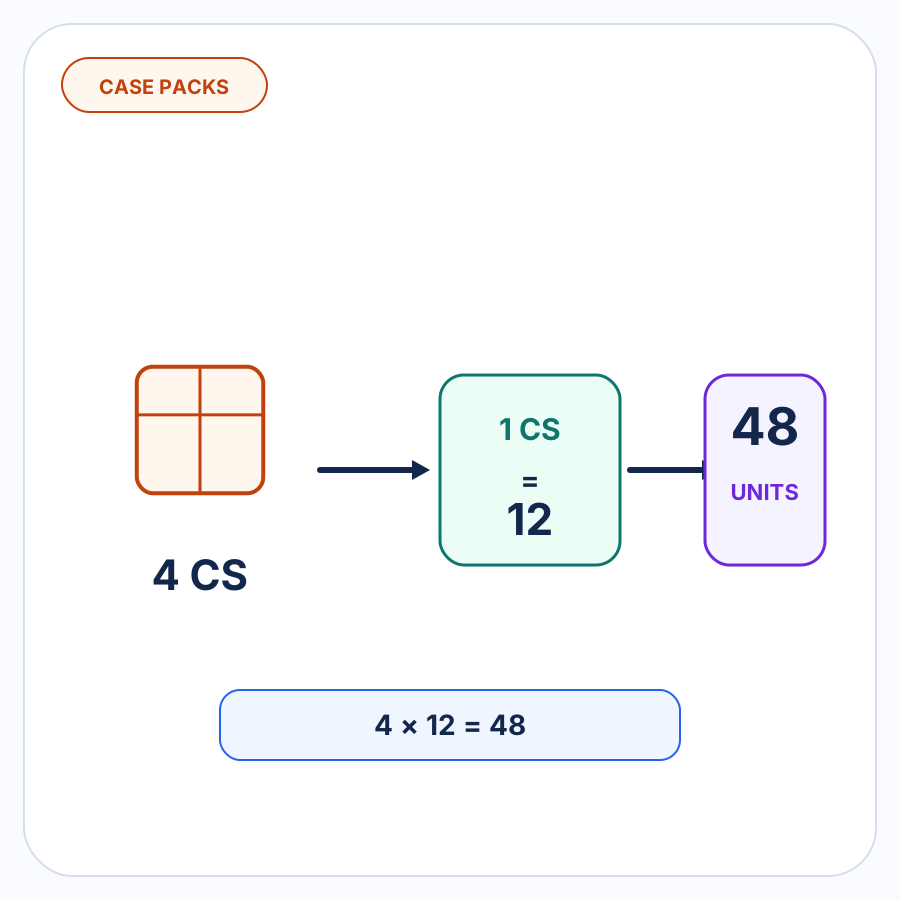
For example, resolving A18472 to the correct valve does not tell you whether an order for “4 cases” represents 4 individual valves, 24 valves, or another quantity.
Product identification should be resolved first as its own concern. Buyer-specific units and case packs need their own evidence and mappings.
Common customer-SKU mapping mistakes
Assuming every extracted SKU is a Shopify SKU
A field labeled “Item No.”, “Part No.”, or “SKU” tells you that the buyer supplied an identifier. It does not tell you whose identifier it is.
If the value is buyer-specific, searching only for an identical Shopify SKU can fail even though the correct product exists.
Creating one global alias table for every buyer
Customer product codes belong to customer relationships.
Removing the buyer from the mapping key creates avoidable ambiguity when two businesses happen to use the same identifier differently.
Stopping at the product instead of the variant
A product-level match can still leave several sellable variants available.
The final resolution needs to identify the variant the buyer actually ordered.
Treating a likely candidate as an approved mapping
Similar descriptions can help with investigation, but similarity is not confirmation.
Where more than one Shopify variant remains plausible, review is safer than silently establishing a permanent mapping from a guess.
Combining SKU and case-pack assumptions
Knowing the product does not necessarily tell you the unit.
Keep product-code translation separate from case, pack, and other unit-of-measure interpretation so each decision has its own evidence.
What a reliable buyer-SKU workflow looks like
For this specific problem, the workflow can stay simple:
- Establish which buyer the incoming order belongs to.
- Extract the product code the buyer supplied.
- Check for an existing approved mapping for that buyer and code.
- If a mapping exists and the current order is consistent with it, resolve the line to the mapped Shopify variant.
- If no mapping exists, use the available order and Shopify catalog information to investigate the intended variant.
- Leave ambiguous or conflicting candidates for merchant review.
- Remember a newly approved mapping for later orders from the same buyer.
The important boundary is between evidence-backed resolution and guessing.
A reliable system should automate the first and make the second visible.
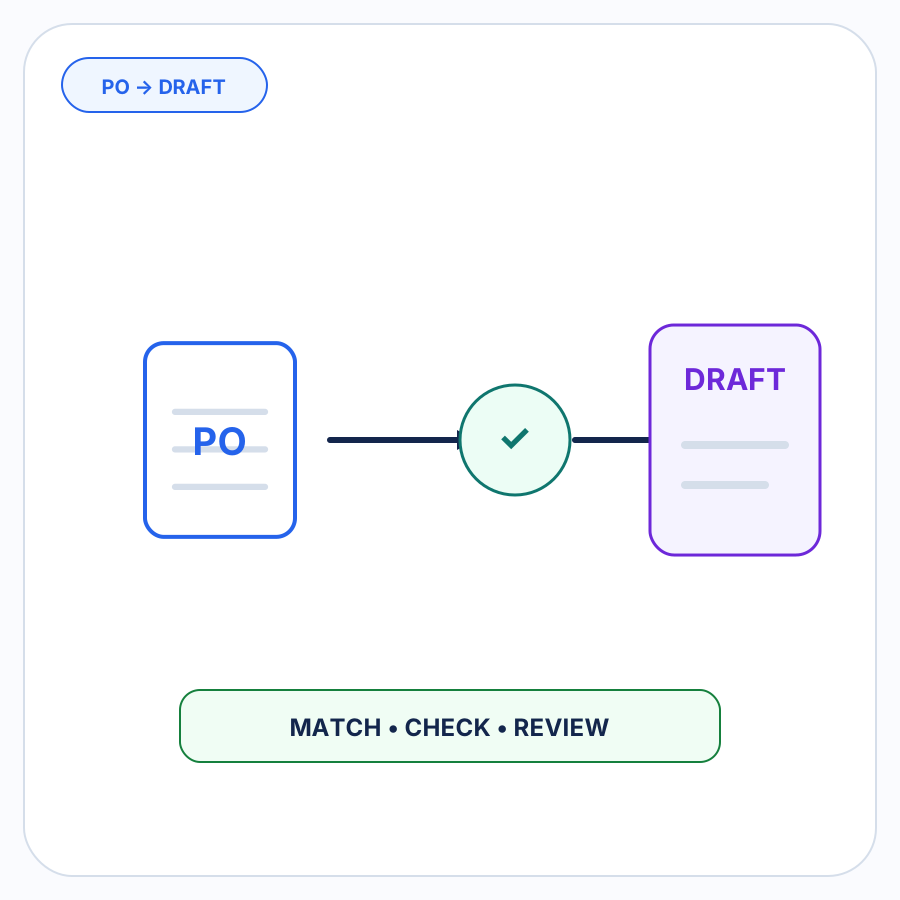
For the broader workflow surrounding product resolution, see how an incoming customer purchase order becomes a Shopify draft order.
How PO Autopilot handles buyer-specific SKUs
PO Autopilot turns incoming B2B purchase orders and order requests into reviewed Shopify B2B draft orders.
As part of that workflow, it can match incoming products to Shopify and use buyer-specific SKU mappings where they are available.
When you approve a buyer SKU mapping, PO Autopilot can remember it for later orders from that buyer. The next order can therefore start with more known product relationships instead of requiring the same mapping to be rediscovered.
If a product cannot be resolved reliably, PO Autopilot brings the unresolved item to you for review rather than silently guessing.
The same principle applies when something has changed: approved mappings can handle repeatable work while unclear or inconsistent information remains visible.
See how PO Autopilot handles B2B purchase orders.
FAQ
What is a customer-specific SKU?
A customer-specific SKU is a product identifier that a buyer uses inside its own purchasing or inventory system.
It can refer to the same physical product as your Shopify SKU while using a completely different code. You might also hear terms such as buyer SKU, customer part number, customer item number, or external item number.
Can two B2B customers use the same product code for different products?
Yes. Because each buyer controls its own internal coding system, the same text or number can have different meanings for different buyers.
That is why a customer-specific mapping should include the buyer relationship rather than treating the buyer’s code as a globally unique identifier.
Should I change my Shopify SKUs to match a customer’s SKUs?
Usually not solely for this reason.
One customer might call a variant A18472, another might call it 10042, and your own operation might know it as VALVE-20-BRASS. Replacing your Shopify SKU with one buyer’s terminology would not resolve the other relationships.
A buyer-specific cross-reference lets each party keep the identifiers that make sense inside its own operation.
What should happen when a buyer SKU has no confirmed Shopify match?
Keep the order line unresolved until someone can identify the correct Shopify variant.
Candidate products or similar descriptions can assist review, but an uncertain relationship should not become a permanent mapping until it has been confirmed.