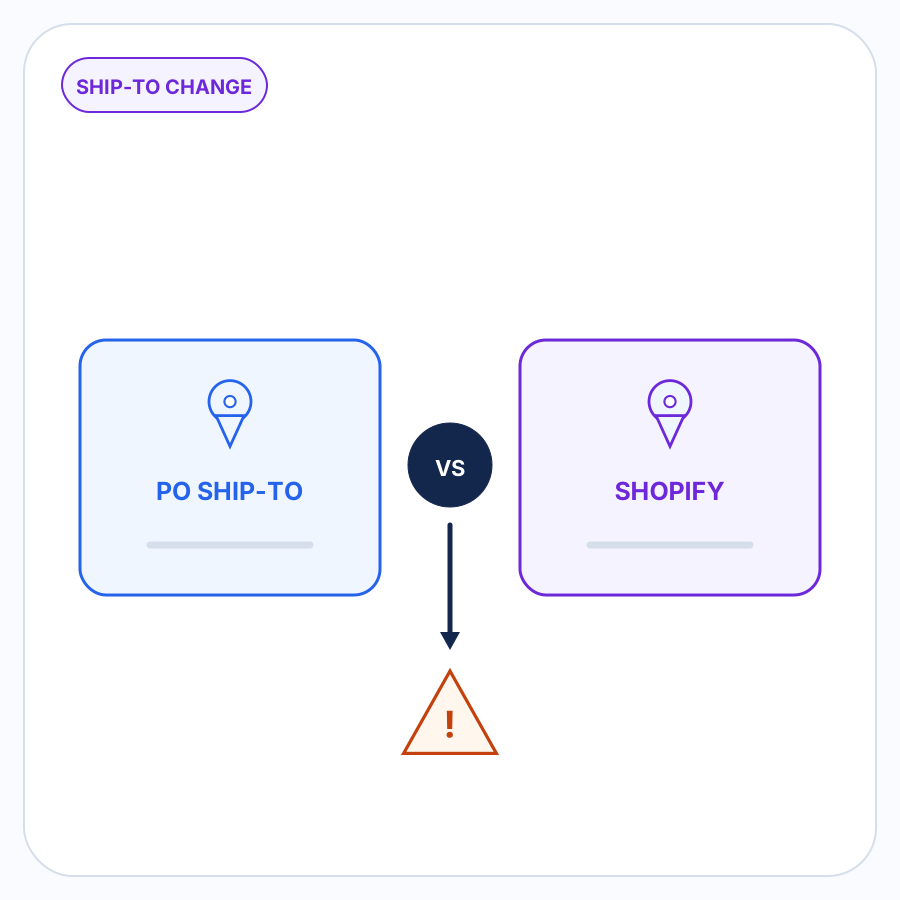

When an incoming customer purchase order lists a shipping address that differs from the expected Shopify B2B company location, neither address should silently replace the other.
The PO might be pointing to a new warehouse, a temporary job site, a one-time delivery destination, stale Shopify data, or simply a typo. The useful response is to surface the difference, keep both addresses visible, and decide where this order should ship before the Shopify draft order is created.
That is separate from deciding whether the saved company-location address in Shopify should be changed.
A different shipping address is not automatically wrong
A shipping-address mismatch tells you that two pieces of information disagree. It does not tell you why.
Suppose an incoming PO says:
Ship to:
Acme Manufacturing
4100 Industrial Parkway
the temporary project-site address
But the Shopify B2B company location already identified for the order says:
Shipping address:
Acme Manufacturing
8500 Smith Road
the established primary-location address
There are several plausible explanations.
Acme might have opened a new warehouse. The different address might be a temporary project site. The Shopify record might be stale. The buyer might want this order delivered somewhere different without changing its normal location. Or the PO might contain an outdated or mistyped address.
Automatically choosing the PO assumes the new information is authoritative.
Automatically replacing it with Shopify assumes the saved information is still correct.
Neither assumption is safe enough for B2B order entry. The difference itself is what deserves review.
What Shopify B2B stores at the company-location level
In Shopify B2B, a company can contain one or more company locations. Shopify describes a company location as the business being sold to in a B2B transaction, and each location can have its own shipping address, billing address, pricing, payment terms, contacts, and other settings.
That location therefore provides useful expected context when an incoming PO is being prepared.
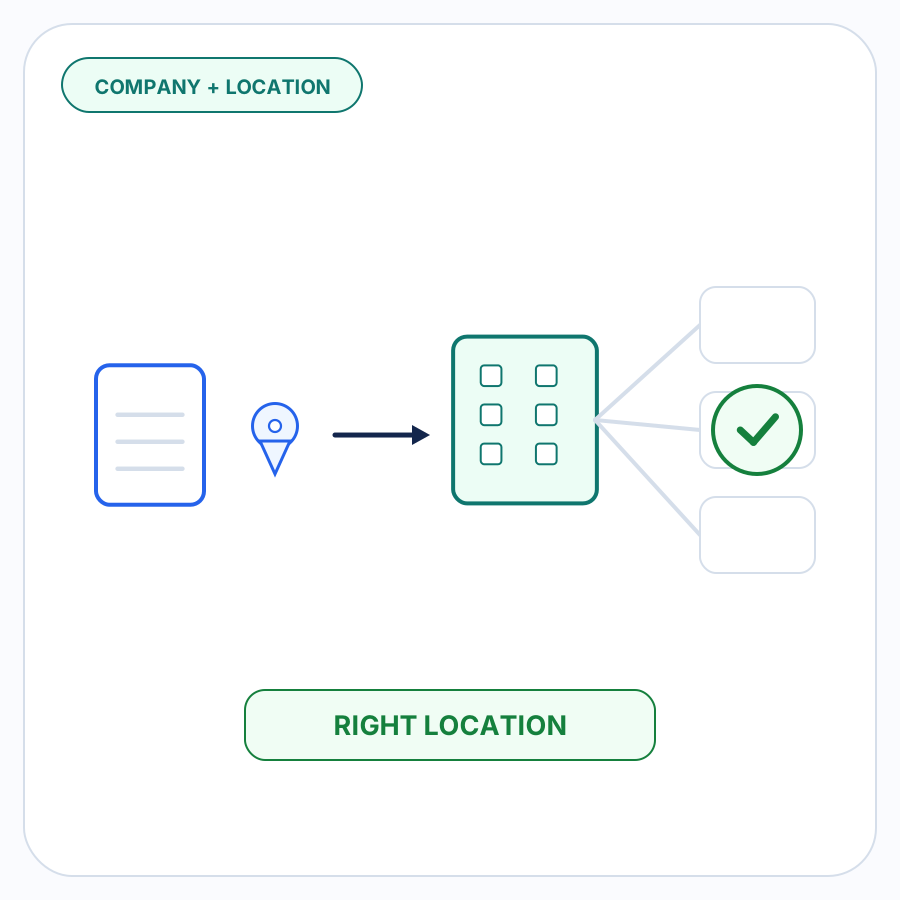
This article assumes the correct company and company location have already been identified. If that is still uncertain, see matching incoming orders to Shopify B2B companies and locations first.
Once that expected location is known, the question here is narrower:
What should happen when the PO’s requested ship-to address does not match the shipping address currently associated with that Shopify company location?
Shopify already distinguishes a saved location address from a one-time destination
Shopify’s own B2B checkout behavior shows why a different shipping address does not necessarily mean the company-location record is wrong.
By default, Shopify keeps the company-location address fixed at B2B checkout. Merchants can instead enable an option that lets a buyer enter a different, one-time shipping address. Shopify states that this one-time address applies only to that specific order and is not stored for future use. A company location itself can have only one saved shipping address.
That is an important distinction for orders arriving outside the storefront too.
A buyer can have:
- an established Shopify B2B company location;
- a normal saved shipping address for that location; and
- a legitimate reason for one particular order to go somewhere else.
A different destination therefore should not automatically trigger a change to the company’s saved Shopify data.
The draft order also has its own shipping address
Shopify supports creating B2B draft orders for purchases customers send directly to a merchant outside the online store, including by email or phone. The merchant selects the B2B customer and the company location the order is for.
At the API level, Shopify’s draft-order model separately exposes the B2B purchasingEntity and the draft order’s shippingAddress. Shopify defines the latter as the mailing address where the order will be shipped.
The useful operational distinction is therefore:
Which company location is buying? and where should this particular order ship? are related questions, but they do not always have the same answer.
There are really two decisions, not one
When the PO and Shopify disagree, separate these questions.
1. Where should this order ship?
This determines the destination that should be used for the order being prepared.
The answer might be the address from the PO. It might be the existing Shopify address. It might require clarification from the buyer before either can be trusted.
2. Should the Shopify company-location address change?
This is a master-data decision.
Shopify allows merchants to edit a company location’s saved shipping address. But an address appearing on one incoming PO does not, by itself, establish that the company’s normal Shopify address should be replaced.
The two decisions can legitimately have different answers.
A temporary construction site might be correct for the current order while the saved warehouse address remains unchanged.
A permanent warehouse move might eventually justify updating Shopify as well, but only after the change has been confirmed rather than inferred from one document.
Common reasons a PO shipping address can differ
| Situation | What the discrepancy might mean | Appropriate review question |
|---|---|---|
| New warehouse | The buyer may have permanently moved or added a new receiving location. | Is this a new permanent location, or only the destination for this PO? |
| Temporary job site | Goods are needed at a project or installation site rather than the normal warehouse. | Should this order use the project address while the Shopify location stays unchanged? |
| One-time destination | The buyer deliberately wants a single shipment sent somewhere different. | Is the alternate address approved specifically for this order? |
| Stale Shopify data | The saved company-location address may no longer reflect the buyer’s current operation. | Has the buyer confirmed that its normal location information should be updated? |
| Typo or stale PO template | The PO itself may contain an obsolete or incorrectly entered address. | Should the buyer correct or confirm the destination before the order proceeds? |
The mismatch alone cannot distinguish these cases.
That is why this check belongs in a review workflow rather than a silent normalization rule.
Keep the PO address and Shopify address visible together
A reviewer should not have to remember one address while inspecting the other.
When an address discrepancy is detected, the useful presentation is side by side:
Incoming PO
- company or recipient name;
- address line 1;
- address line 2, if present;
- city;
- state or province;
- postal code;
- country;
- any relevant attention or delivery detail provided with the order.
Expected Shopify B2B company location
- location name;
- current saved shipping address;
- enough company/location context to show which Shopify record is being compared.
Keeping both sources visible helps the reviewer answer the actual question: whether the new information represents a legitimate order-specific destination, a permanent customer-data change, or information that should not be accepted without clarification.
Replacing one version before that decision is made destroys useful context.
A practical review workflow for an address discrepancy
1. Establish the expected B2B company location
Address review should begin only after the order has been associated with the expected Shopify company and company location.
If the company location itself is uncertain, that matching problem needs to be resolved first. An apparently different address might simply be evidence that the wrong company location was selected.
2. Compare the PO’s requested ship-to information with Shopify
If the incoming shipping information agrees with the expected company-location address, there is no address discrepancy to resolve.
If meaningful information differs, surface it for review instead of silently choosing a winner.
The purpose here is not generic postal-address validation. It is comparing what the buyer requested on this order with what the merchant already expects for this B2B relationship.
3. Preserve both versions
Do not overwrite the extracted PO address with the Shopify address merely because Shopify is the merchant’s system of record.
Likewise, do not replace the Shopify company-location address merely because a newer PO contains something different.
Both are evidence.
4. Decide what the current order should use
The reviewer can determine whether the incoming destination is intentional, whether the existing Shopify address should remain in force, or whether buyer clarification is required.
For example:
- A PO explicitly requesting delivery to a temporary job site can reasonably result in an order-specific shipping destination.
- A one-character street-number difference with no explanation might deserve confirmation.
- A buyer stating that its warehouse has permanently moved could justify a separate update to the company-location record after the change is confirmed.
5. Treat any Shopify master-data update as a separate action
Resolving the order does not automatically mean changing the company location.
If the current order should go to a one-time address, the review can resolve the order without treating that address as the buyer’s new permanent Shopify location.
If the buyer’s normal location really has changed, the merchant can make that update deliberately.
This separation prevents one unusual PO from silently rewriting information that future B2B orders depend on.
What address-discrepancy automation should do
Useful automation can reduce the amount of comparison work without making the judgment disappear.
It should be able to identify that the incoming shipping information differs from the expected Shopify context and bring that difference to the person preparing the order.
It should not treat every mismatch as an invalid address.
It should not assume that the newest address is permanent.
It should not automatically replace the PO’s requested destination with the saved Shopify address.
And it should not turn an order-level discrepancy into an automatic update to Shopify company data.
The safe boundary is straightforward: resolve repeatable facts where the evidence is strong, and put changed or inconsistent information in front of a person when it requires a business decision. Uncertainty should become a review item rather than a fabricated answer.
How PO Autopilot handles this part of order preparation
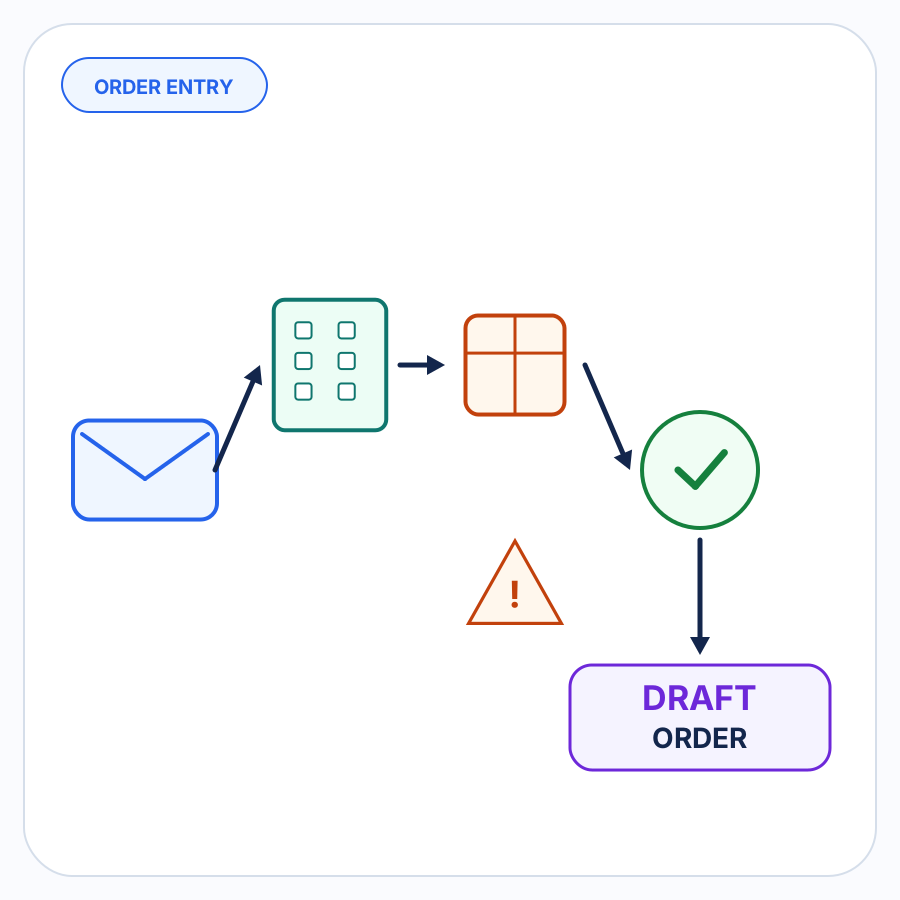
PO Autopilot turns incoming B2B purchase orders and other order requests into reviewed Shopify B2B draft orders.
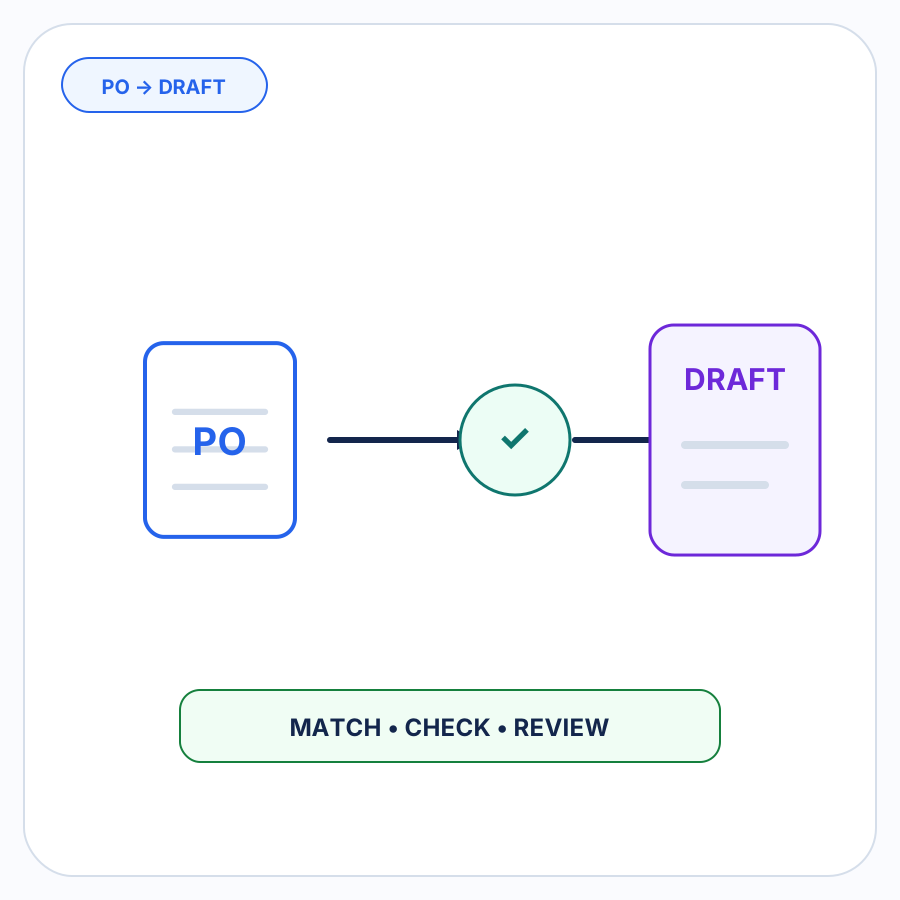
As part of that workflow, it can match an incoming order to a Shopify B2B company and company location and check shipping-address information along with other order details. Changed or inconsistent information can be surfaced for merchant review before the draft order is created. For the surrounding process, see the PO-to-draft workflow and the broader B2B order-entry guide.
For an address discrepancy, the important product promise is the review step—not an invented rule about which address automatically wins.
See how PO Autopilot prepares and checks incoming B2B orders before draft-order creation.
The useful signal is that something changed
An incoming shipping address that differs from the expected Shopify B2B company location is not automatically a bad order.
It is also not something that should disappear during automated order entry.
The PO and the existing Shopify information represent two pieces of evidence. Keep both visible, resolve which destination the current order should use, and make any permanent company-location update as a separate deliberate decision.
That turns the mismatch into what it actually is: a review item that needs context, not a reason to blindly trust either system.
FAQ
Can a Shopify B2B customer ship an order somewhere other than its saved company-location address?
Yes, depending on the merchant’s configuration. Shopify lets merchants enable one-time shipping addresses for B2B checkout. Shopify says the alternate address applies only to that order and is not saved for future use.
Does a different address on a purchase order mean I should create or update a Shopify company location?
Not automatically.
The PO address could represent a permanent location change, but it could just as easily be a temporary project site, a one-time destination, or incorrect information. First resolve where the current order should ship. Updating Shopify company-location data should be a separate decision.
Can a Shopify draft order have its own shipping address?
Shopify’s current Draft Order API model includes a shippingAddress field for the destination of the order, separately from the purchasingEntity that identifies the B2B company, company location, and contact.