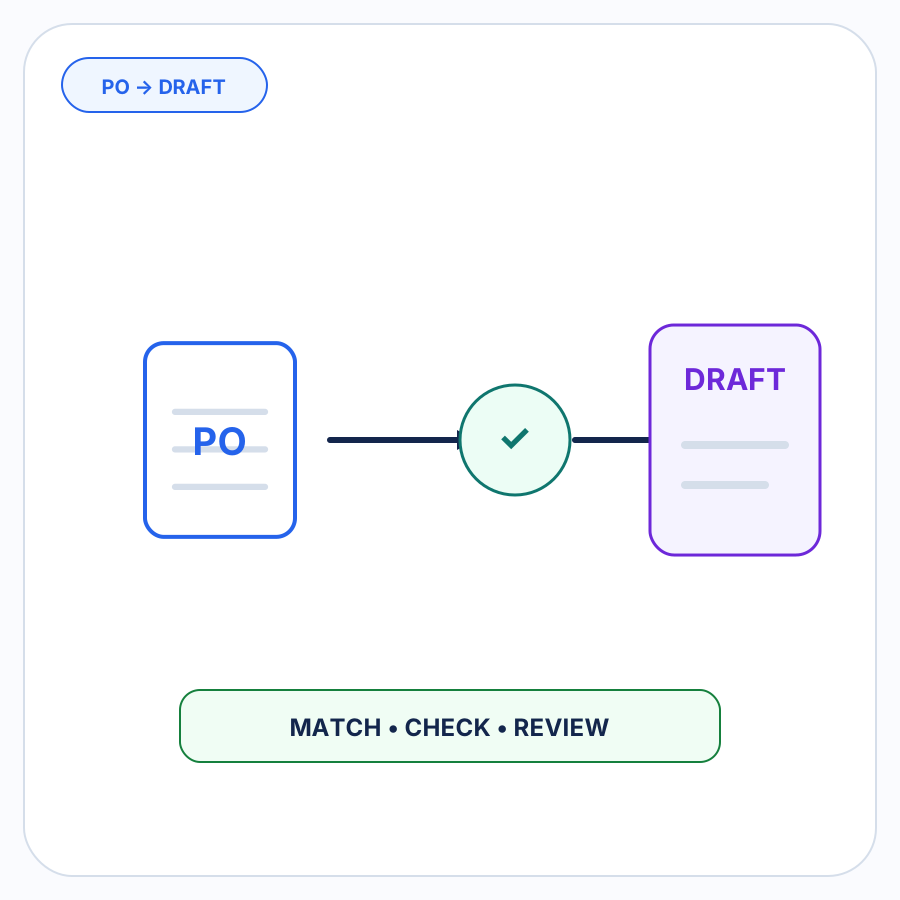

An incoming customer purchase order can be interpreted correctly, matched to the right Shopify product, and contain a perfectly valid requested quantity—and still need attention because the requested inventory is not currently available.
That is why inventory belongs in the order-checking stage before a Shopify B2B draft order is created.
The purpose of the check is not to rewrite the buyer’s request. If a customer asks for 120 units and Shopify shows fewer units available, the useful result is an inventory concern on that line. Reducing the quantity, choosing a different warehouse, substituting another item, backordering the balance, or rejecting the order are separate decisions.
A good workflow keeps those decisions with the merchant.
A correct order can still have an inventory problem
Product matching and inventory checking answer different questions.
Product matching asks whether the incoming order line has been resolved to the correct Shopify variant. Quantity interpretation asks how many Shopify units the buyer actually requested. An inventory check happens after those questions are sufficiently resolved and asks whether the requested units raise a stock concern.
Consider a simple example:
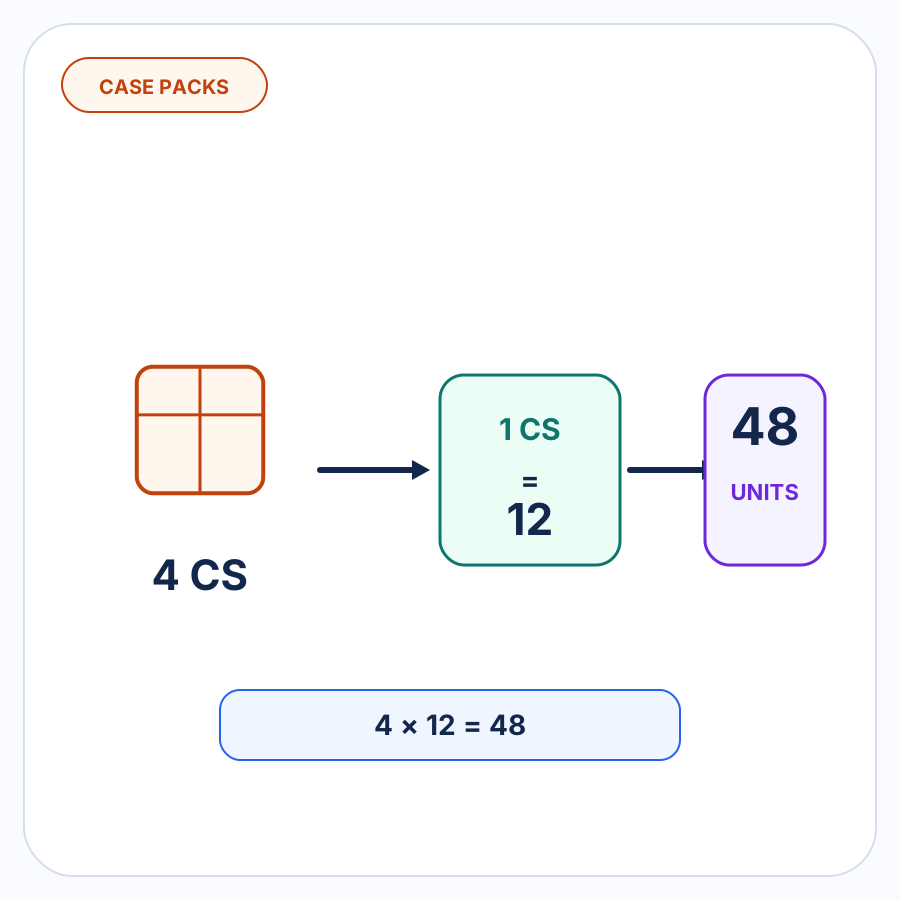
- The buyer requests 12 cases of a known product.
- The buyer-specific case pack has already been resolved as 10 eaches per case.
- The line therefore represents 120 units of the correct Shopify variant.
- Shopify currently shows only 84 units available.
Nothing was necessarily wrong with the PO extraction, SKU mapping, or case-pack interpretation. The new issue is that the correctly resolved request is larger than the inventory currently available.
That distinction matters. Changing the product mapping would not fix an inventory shortage, and changing the requested quantity silently would no longer represent what the buyer ordered.
What “available inventory” means in Shopify
Shopify separates inventory into states rather than treating every physically present unit as equally sellable.
Available inventory is inventory that can be sold. Shopify excludes inventory that is already committed to orders, set aside as unavailable, or still incoming. On hand is broader: it includes Available, Committed, and Unavailable inventory at a location. Incoming inventory is not Available until it has been received and moved into the appropriate state.
That makes “we have 150 in the building” different from “Shopify says 150 are available to sell.”
For order-entry review, the important question is the availability represented by Shopify’s current inventory data rather than an undifferentiated physical stock count.
Inventory can also differ by Shopify location
Shopify tracks inventory separately at each location. The same variant can have different quantities at different warehouses, stores, or fulfillment locations, and products can be active for fulfillment at some locations but not others. Shopify’s order-routing configuration is used when assigning online orders to fulfillment locations.
That means a single store-wide number does not always tell the whole operational story.
Suppose an incoming order requests 60 units:
- Location A has 20 available.
- Location B has 90 available.
There is clearly stock somewhere in the Shopify inventory data, but that fact alone does not decide which location should fulfill this B2B order. Location selection, allocation, splitting, and routing depend on the merchant’s fulfillment setup and decisions.
A pre-draft inventory check should surface relevant inventory context without inventing a fulfillment decision.
Check the requested quantity without changing it
The buyer’s requested quantity should remain the reference point during inventory review.
If the order says 120 units and Shopify has 84 available, silently changing the line from 120 to 84 makes the resulting draft look internally consistent at the cost of no longer representing the customer’s request.
A useful inventory review instead preserves both facts:
- Requested: 120 units
- Available: 84 units
- Status: inventory needs attention
The merchant can then decide what the order should actually become.
That decision might eventually involve discussing a partial shipment, a different quantity, a substitution, future availability, or another operational response. Those are business and fulfillment choices, not conclusions that should be inferred merely from a stock count.
An inventory concern is not the same as an invalid order
Low or zero availability does not universally mean “reject this PO.”
Shopify itself supports configurations where a tracked product can continue selling after its inventory reaches zero. Merchants can enable Continue selling when out of stock when their business intentionally accepts orders beyond current available stock.
B2B workflows can also involve commercial arrangements that are not visible from an incoming document alone.
The safe conclusion from an inventory discrepancy is therefore narrow:
This line deserves review.
The check should not assume that the correct response is to:
- reject the order;
- lower the customer’s requested quantity;
- substitute a different product;
- create a backorder;
- split the quantity between locations;
- choose a warehouse;
- promise a future fulfillment date; or
- reserve inventory automatically.
Any of those actions can be appropriate in a particular merchant’s workflow. None follows automatically from the fact that requested quantity and current availability differ.
Mixed orders should stay mixed—not become all-or-nothing exceptions
Inventory issues are often line-specific.
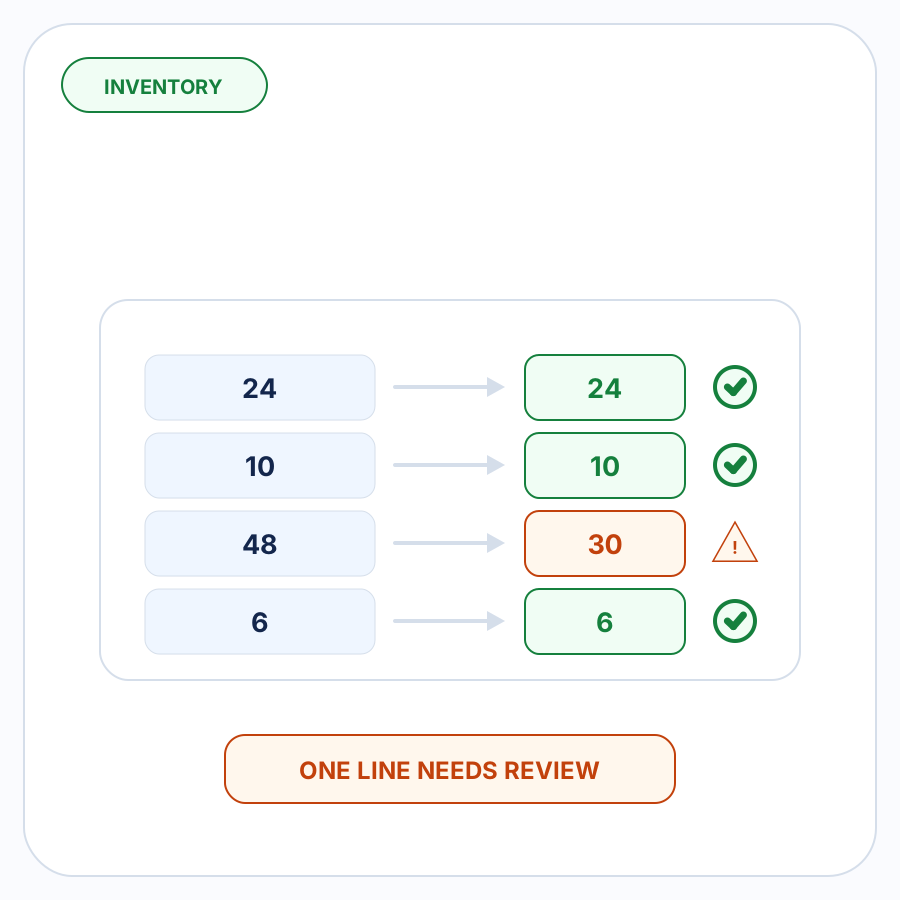
Imagine a ten-line customer PO where:
- nine products are correctly matched and have no inventory concern; and
- one product requests 48 units while current availability is only 30.
The useful review experience is not to make someone re-check all ten products.
The affected line should stand out:
Product XYZ — requested 48 — available 30 — needs attention
The other nine lines can remain resolved.
This is the practical value of exception-focused order review: automation handles evidence-backed routine details while uncertainty or discrepancies are brought to a person who can make the actual decision.
Shopify draft orders can contain inventory problems
Shopify’s own draft-order interface displays available inventory in the product picker. When available inventory reaches zero and overselling is not enabled, Shopify shows a warning—but the merchant can still add the product to the draft order. Shopify specifically instructs merchants to check the quantity they add. The inventory decision sits inside the larger PO-to-draft workflow.
That makes draft-order creation different from an inventory approval step.
A draft can represent what the customer wants even when stock needs attention. That flexibility is useful, but it also means the fact that a draft can be created does not prove the requested inventory is available.
There can also be a later customer-facing consequence. Shopify documents that if an invoice contains products with no available inventory, a customer following the invoice checkout can be told the item is out of stock and prevented from completing the sale.
Catching the concern during order preparation gives the merchant a chance to decide what should happen before the issue reaches that stage.
Inventory checking and inventory reservation are different
Inventory checking asks:
Does the customer’s requested quantity raise an availability concern?
Inventory reservation asks:
Should inventory be set aside for an existing draft order so other customers cannot purchase it?
Those are separate steps.
Shopify lets merchants reserve inventory after products have been added to a draft order. Reserved units move into the Unavailable inventory state and are dedicated to that draft. If the items aren’t reserved, they remain Available and can still be purchased by other customers.
This article is about the earlier check.
A workflow preparing an incoming customer order can identify a shortage before draft creation without making any claim that stock has been reserved, allocated, or protected from other sales.
That boundary is especially important in automated order entry. “Inventory checked” should never be interpreted as “inventory reserved.”
Review the stock issue before deciding what the draft should contain
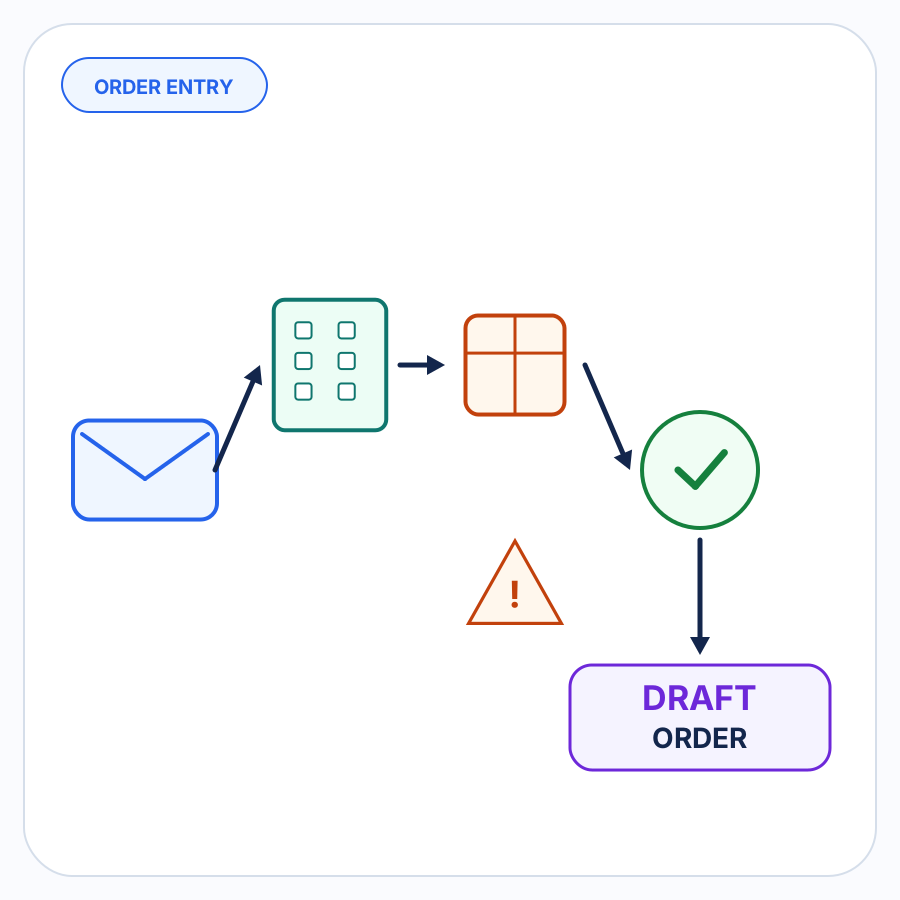
A practical pre-draft inventory workflow looks like this:
- Interpret the incoming customer order.
- Resolve the buyer and relevant order context.
- Resolve each requested product and quantity.
- Check those resolved lines against current Shopify inventory information.
- Surface only lines with a meaningful inventory concern.
- Let the merchant decide whether anything about the order needs to change.
- Create the Shopify B2B draft order once the merchant is satisfied with the result.
Shopify supports creating B2B draft orders for orders received outside the online store, including orders sent directly by customers through channels such as email.
The inventory check belongs between understanding the incoming request and committing the merchant to a particular draft.
Where PO Autopilot fits
PO Autopilot prepares incoming B2B purchase orders and other order requests for Shopify B2B draft-order creation.
Inventory is one of the order details it can check before the draft is created. The workflow is designed to resolve what can be resolved, surface missing or inconsistent details for review, and let the merchant create the Shopify draft order once the order looks right. For an otherwise resolved order with one inventory problem, the goal is simple: bring that line to the merchant’s attention without turning every other line back into manual work. That is the same exception-focused principle used in the broader B2B order-entry workflow.
See the PO Autopilot workflow or browse more PO Autopilot guides.
FAQ
Does Shopify stop you from adding an out-of-stock product to a draft order?
Not necessarily. Shopify displays available inventory when products are added to a draft order and can show a warning when inventory reaches zero, but merchants can still add the product to the draft.
That is one reason inventory checking is useful as its own review step rather than assuming draft-order creation itself validates availability.
Should an inventory shortage automatically reduce the quantity on the customer’s PO?
No. An inventory shortage says something about current stock; it does not change what the customer requested.
The original quantity should remain visible until the merchant intentionally decides how to handle the discrepancy.
Is “on hand” inventory the same as “available” inventory in Shopify?
No. Shopify defines On hand as the total inventory at a location across Available, Committed, and Unavailable states. Available is the portion that can currently be sold and excludes Incoming inventory.
Is checking inventory the same as reserving it?
No. Checking identifies whether availability needs attention. Shopify’s draft-order reservation feature sets inventory aside for a specific draft and moves those units into the Unavailable state.